It's 8am and the facilities manager's phone is already going off. Room 3 is too cold, the lighting in the lobby didn't switch to its daytime scene, and someone left the background music running in a meeting room that's been empty since Friday. None of these are big problems on their own. But solving them means walking to three different rooms, because each system was installed by a different vendor at a different time and none of them talk to each other.
This is how many buildings still operate: through a patchwork of switches, remotes, and separate logins. It may work, but it rarely feels simple or truly under control. So how can all these systems be brought together?
The solution increasingly starts with a control panel: a fixed Panel PC, usually wall-mounted, that provides an always-on interface for the building’s control software. Depending on the software and integrations used, that interface can provide access to one technical system or bring several systems together in one place. It's not just a repurposed tablet propped up on a desk, it's hardware built to run continuously, 24/7, in commercial environments where freezing, lagging, or needing a reboot mid-shift simply isn't an option.
What it ends up controlling depends on two things: the building it's in, and the software running on the panel. Some software is built to handle one system well, lighting, for example. Other software is built to pull HVAC, lighting, audio, and more into a single interface. The hardware makes that range of options possible and controllable, but which software actually get used is a choice made by the building owner.
Depending on the capabilities of the selected software and the systems it integrates with, a control panel may provide access to:
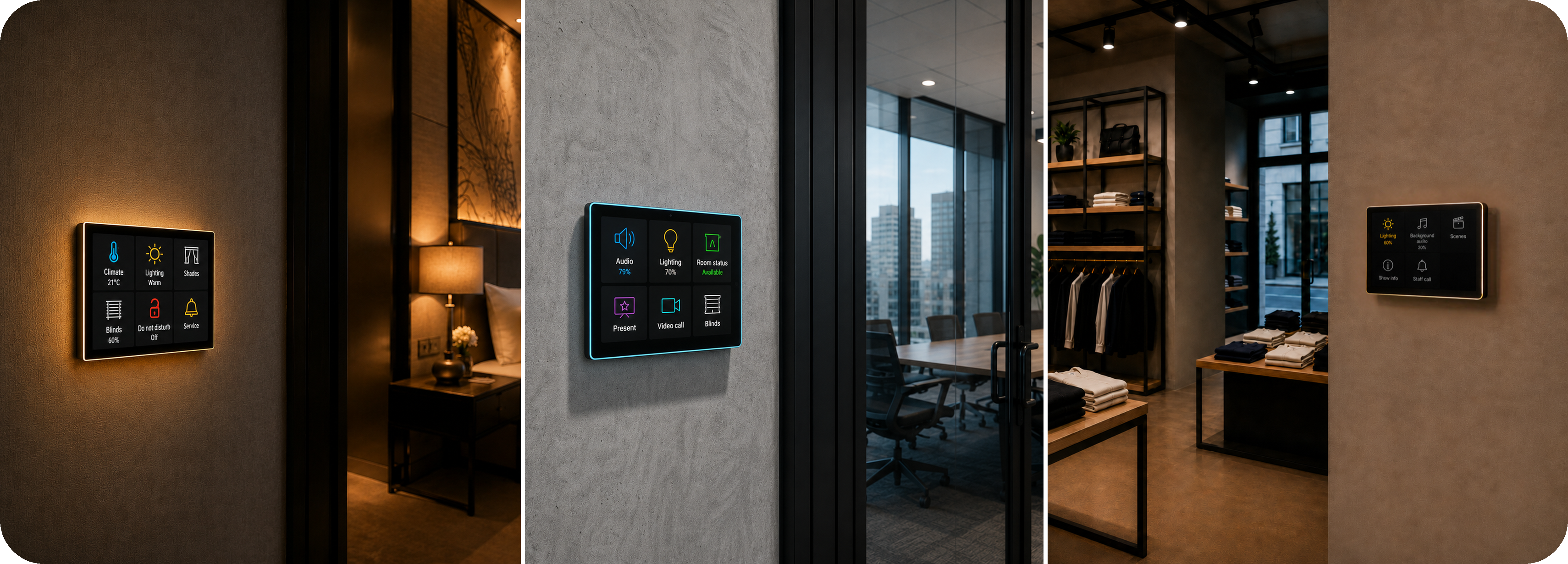
A hotel might lean on climate and lighting scenes for guest comfort. An office is more likely to focus on meeting room booking, call audio, and lighting schedules. A retail space might lean almost entirely on lighting and background audio to shape how a store feels. The common thread isn't the systems themselves. It's that the right software can make one panel the central point of access, instead of leaving users with separate apps, remotes, and switches.
Which raises the obvious next question. HVAC, lighting, and audio are usually built by different manufacturers, on different protocols, sometimes installed decades apart. So how can control software running on a single panel communicate with these different systems, and who determines which functions become available?
The short answer is that the panel doesn't replace any of those systems. It doesn't rewire the thermostat or rebuild the lighting controller. It sits on the network as a reliable, always-on interface for the control application. The panel provides the hardware, operating system, connectivity, and continuous availability, while the software handles the communication with the building’s technical systems.
The panel provides the hardware platform and network access needed to run the control software. A ProDVX panel, for example, comes with Ethernet and USB ports that let it connect to whatever's already there, plus Power over Ethernet, so a single cable handles both power and network and the panel can go up almost anywhere. But on its own, that hardware doesn't know anything about HVAC or lighting or audio, it can't control any of it by itself.
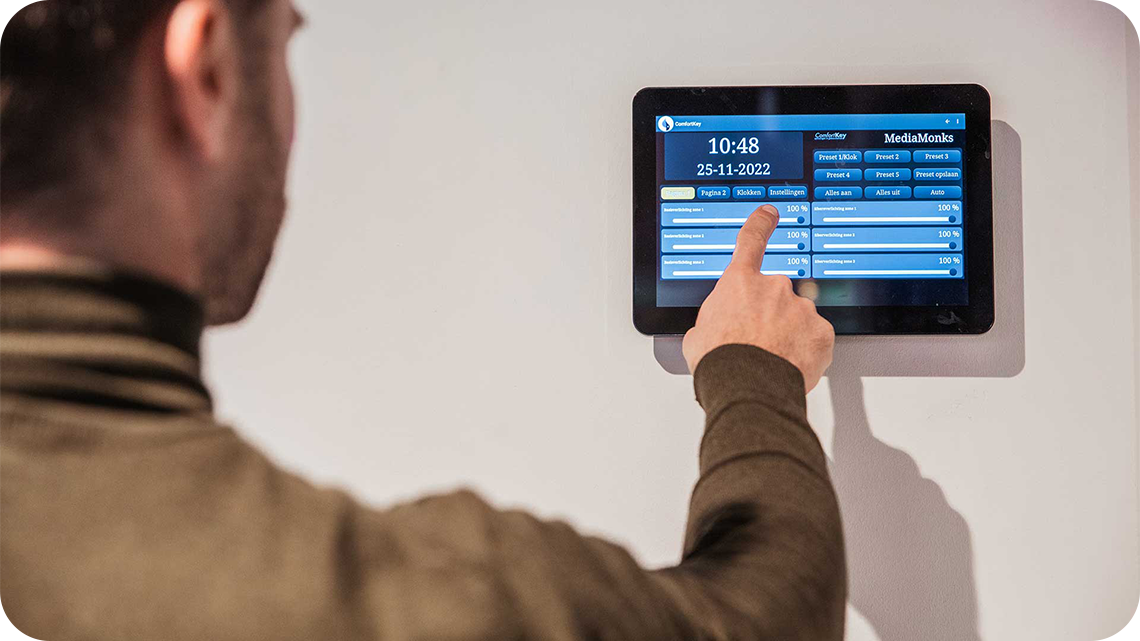
That's where the software comes in, and this is really the part that shapes what the panel can do. ProDVX panels are software-agnostic, available with Android, Windows, or Linux, so a panel can run whichever building management or control software a project already relies on, rather than forcing a switch to a new platform. That opens up a wide range of integration options, from software built for one specific system to platforms designed to unify several at once. Whether a setup ends up controlling just lighting, or HVAC and audio and access as well, comes down to which software is chosen and how it's configured, not the panel itself.
That also means the exact setup isn't something to figure out alone. Which software fits, what it can talk to, and how the panel should be configured for a specific building are questions best worked through with a software partner or integrator, since they'll know what a given platform actually supports and how it maps to the systems already in place. The panel is the always-on point of access. The software, and the partner who configures it, is what determines how far that access goes. Without that software layer, the panel is just a screen. With it, it becomes the one place where all of it comes together.
When the selected software brings multiple systems into the same interface, information that was previously spread across separate controls can become visible in one place. A thermostat schedule and a lighting schedule that used to live in two separate systems, checked separately, now sit next to each other on one screen. A room still heating itself at midnight, or lights left on in a space nobody's used all day, stops being something you'd only notice by chance.
That same logic scales. For a business managing more than one location, a hotel chain, a retail group, an office portfolio, the setup can be the standard everywhere, not because every site runs identical systems, most rarely do, but because the same panel hardware can be used across multiple locations, while the software and integrations are configured around the systems available at each site. This can help organizations create a more consistent user experience, even when the underlying building technology differs between locations.
Buildings keep adding sensors and connected systems, and the fragmented, app-per-system approach only gets more painful as that number grows. A professional control panel provides the reliable, always-on hardware platform needed to run a building’s control application. When combined with the right software and integrations, it can give users one clear interface for accessing the systems relevant to their building, reducing unnecessary complexity in daily use.

Let us know!