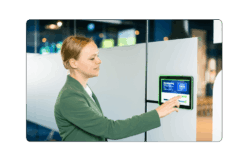
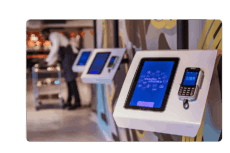
One control panel for lighting, climate, AV, room settings, workstations or industrial systems can make a space much easier to operate.
But only if the hardware is built for the role it plays.
When one panel becomes the main interface between users and one or multiple systems, it cannot feel like a regular screen on the wall. It needs to be reliable, easy to use and secure enough for the environment where it is installed.
So before comparing screen sizes, processors or mounting options, start with three practical checks.
Reliability
A control panel is often part of a daily workflow. In an office, it may provide the interface through which users book a room or interact with software connected to lighting or climate systems. In a hotel, it may support staff before guests arrive. In an industrial environment, it may be connected to processes that need to keep running day and night.
That makes stability the first requirement.
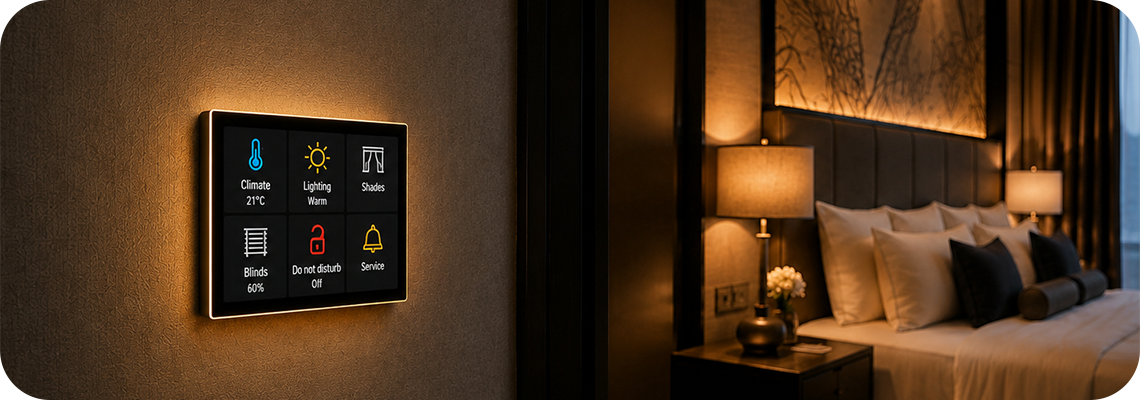
The panel needs to handle the conditions around it: operating hours, temperature, network dependency, mounting location and the intensity of daily use. A consumer tablet built for occasional home use is not built to run continuously in a meeting room, let alone on a production floor. Within the ProDVX range, the right model also shifts with the environment: a panel used in industrial automation needs to handle factors like vibration or extended operating hours in a way a standard office meeting room panel does not.
This is where professional hardware matters. Build quality, reliable connectivity and continuous operation are not just technical details. They determine whether the panel can keep doing its job after installation, without becoming an extra maintenance issue.
A long service life is especially important when a panel is built into a wall, machine or industrial installation. Replacing it may involve more than exchanging the device: mounting, cabling and software configurations may also need to be checked or adapted. Choosing hardware designed for long-term professional use helps reduce replacements, disruption and the need to redesign the installation later.
For users, stability should feel invisible. They should not have to restart the panel before using it. They should not have to wonder whether the interface will respond. And the people managing the building or system should not have to treat the panel as a recurring support risk.
If the panel is used to manage something important, stability should not be assumed. It should be checked before hand.
Usability
A control panel should make interaction easier, not slower.
Users often approach a panel with a simple task: check a status, change a setting, confirm availability or start an action. They should not have to think about the device itself. The interface needs to be clear, responsive and immediately understandable.
That starts with the way the panel looks and feels. A professional design helps the device fit into hotels, offices, meeting rooms, retail environments, healthcare spaces and operational environments where appearance matters. The panel becomes part of the space, so it should look intentional.
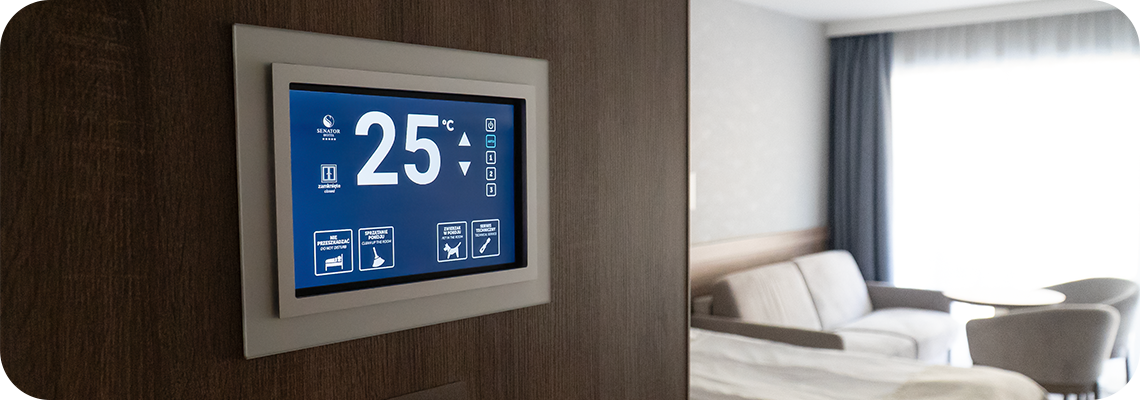
Readability is just as important. A bright, non-glare display helps keep information visible in real-life conditions, such as corridors, lobbies, rooms with overhead lighting or spaces near windows. If users need to move closer, shade the screen or spend extra time reading it, the control panel is already creating friction.
Touch response also plays a major role. When someone taps a setting, the panel should respond immediately. A direct-bonded display and accurate PCAP touch help create a more natural and reliable interaction. The user taps, the panel responds and there is no doubt about whether the action was registered.
Status feedback can also improve usability. LED indicators can show availability, activity or alerts from a distance. In offices, hospitality spaces, healthcare environments, retail or industrial settings, this can save users from walking up to the screen just to check what is happening.
Good usability is not about adding as many features as possible. It is about removing doubt.
If one panel provides the interface to software connected to one or multiple systems, the user experience needs to feel simple from the first interaction.
Security
When a panel provides access to software connected to one or multiple systems, security becomes increasingly important.
A panel may be installed in a meeting room, public area, workplace, hotel, healthcare environment, warehouse or production facility. In many of these spaces, not every person should be able to leave the intended application, change settings or access the device freely.
That means security needs to be part of the hardware decision from the start.
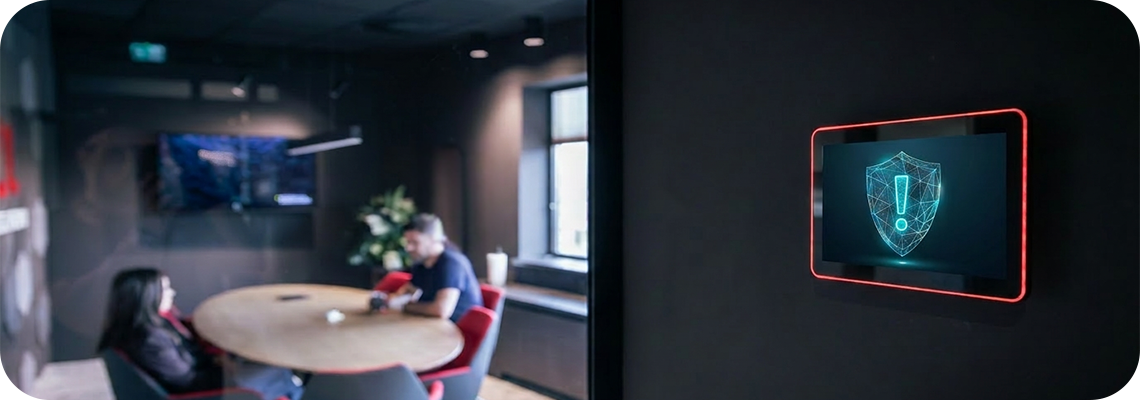
For everyday building applications, this may mean controlling access to settings, preventing unwanted changes and keeping the device restricted to its intended purpose. For larger deployments, it can also mean keeping multiple devices updated, monitored and protected throughout their lifecycle.
In industrial automation or high-assurance environments, such as aerospace, defence, critical infrastructure or precision manufacturing, the requirements can go further. Network behavior, firmware updates, access control, certifications and long-term support may all become part of the decision.
Security is not only about what happens on the day of installation. It is about whether the panel can remain controlled after months or years of use.
The device should be easy for authorized teams to manage, but difficult for unauthorized users to interfere with. Especially when the panel provides access to software connected to important systems, it needs to stay protected.
If the panel provides the interface to software connected to important systems, security should not be added later.
At ProDVX, we design professional Panel PCs for control panel applications where stability, usability and security matter in daily use.
Our hardware can be used as the central touch interface for software applications used in room control, AV control, lighting, HVAC, workstation management, access control, industrial systems and machine interfaces. The software and its integrations determine which systems are connected and what users can control; the ProDVX panel provides the hardware interface behind that experience.
For stability, ProDVX Panel PCs are designed for professional environments and 24/7 use. With ProSURANCE, this is supported by extensive testing, a standard 3-year warranty, priority support and hardware assurance for long-term use.
For usability, many ProDVX Panel PCs include features that help users interact quickly and confidently, such as bright displays, non-glare glass, responsive PCAP touch, direct-bonded panel options, PoE, multiple I/O options and, on selected models, status LEDs, NFC, cameras or motion sensors.
For security, ProDVX supports a controlled device lifecycle through ProSECURE, with measures such as extended Android security support, Android Verified Boot, secure patching, IEEE 802.1X support and security-first configuration.
And with ProMGR, control does not stop after installation. Devices can be configured for kiosk mode, monitored remotely and managed across their lifecycle. That helps teams keep control panels consistent, secure and operational across rooms, buildings or locations, without needing to treat every small change or support request as an on-site visit.
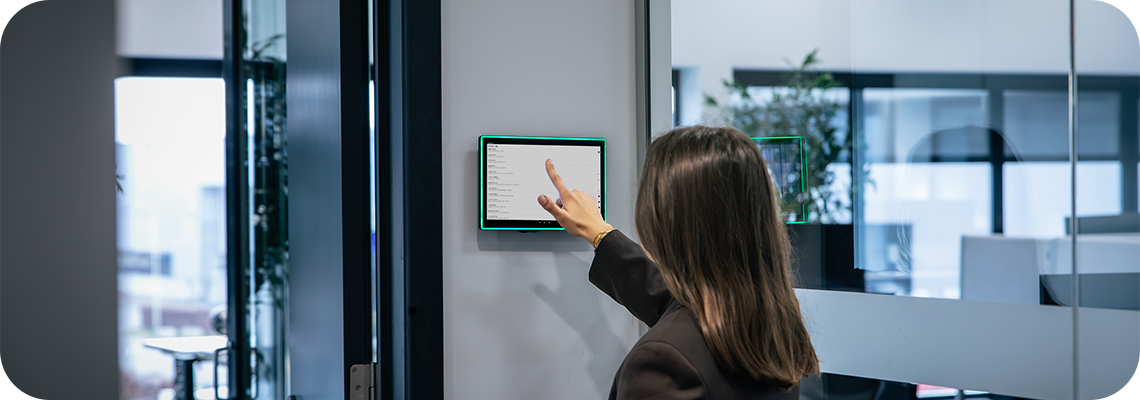
For organizations managing more than one device, that becomes especially important. A single control panel should be reliable. A full fleet of control panels should also be easy to supervise, update and support. ProMGR helps bridge that gap by giving teams more visibility and control over deployed ProDVX devices.
Not every project needs every feature.
A hotel lobby, office meeting room, healthcare facility and industrial production environment all ask different things from the hardware. But the decision should always start with the same question:
Can this panel be trusted as the interface people use to manage what matters?
Do not choose control panel hardware by counting features.
Choose it by asking what the environment, the user and the connected systems need from the hardware.
Will it keep working where you need it?
Can users act without hesitation?
Can it stay secure and controlled over time?
If the answer is yes, the panel becomes more than a screen. It becomes a dependable interface for the systems your users rely on.

Get in touch to discuss your project!