Thank you! Your submission has been received!
Oops! Something went wrong while submitting the form.



Keep your ProDVX Android devices protected throughout their working life with security measures built for professional deployments.

Device-level control: Apply security policies with ProMGR.
Secure by design: Devices use non-rooted Android and ship with remote debugging over LAN disabled.
Ongoing protection: Benefit from monitored security issues and controlled firmware updates.


Deploy hardware with confidence. ProSURANCE combines dependable design, thorough testing and support for day-to-day operation.
Support when you need it: Get technical assistance backed by a standard three-year warranty.
Built for continuous use: Hardware is designed for 24/7 commercial operation.
Tested for reliability: Devices undergo extensive quality and durability checks.
// SPecificatios
// compare
Loading models in this product category…
// Documentation

Data abpc43 R26

dim abpc43
DoC PPWR No7099 101
DoC PPWR No7099 001
QSG abpc4300R26series
Find product documentation, troubleshooting guidance and firmware resources through ProDVX support and ProClub.
// industry highlights
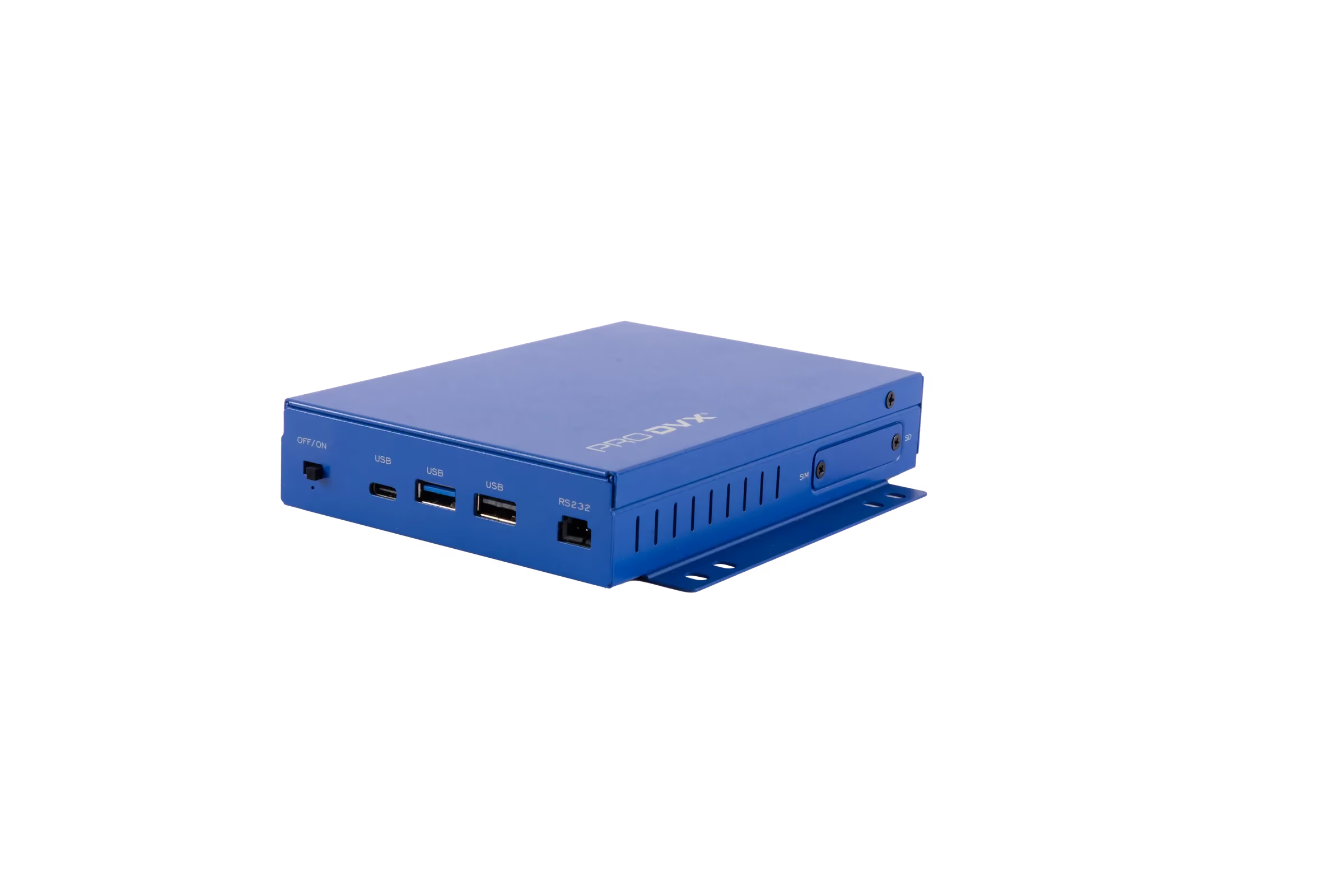
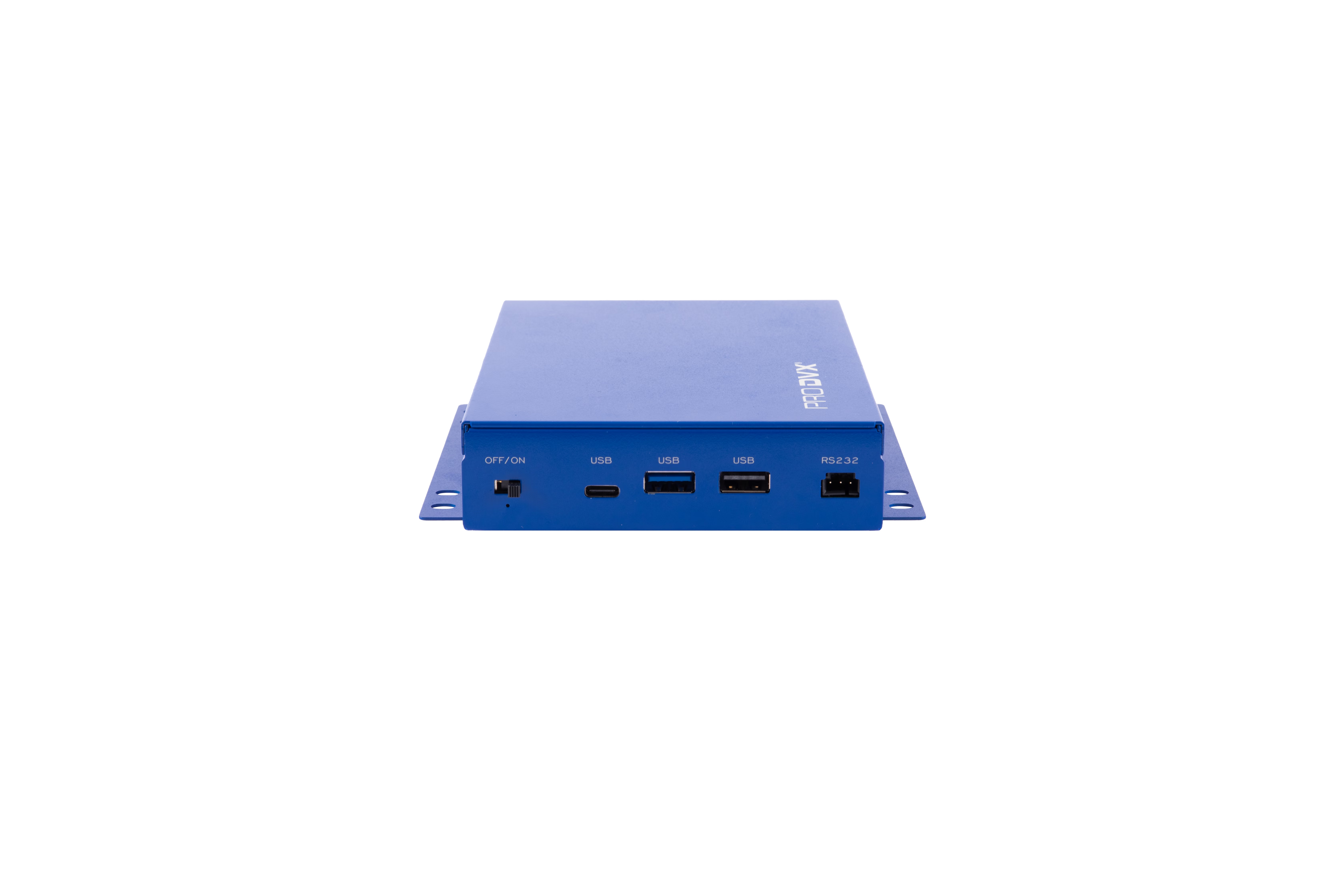
Keep your workplace connected without complicating installation. Share company updates on one screen and meeting schedules on another, both powered by a single Box PC. Dual HDMI outputs support independent content, while PoE+ makes deployment easier with one cable for power and data.
Make campus information easier to find, wherever students need it. Display class schedules on one screen and wayfinding information on another, using one compact Box PC. With dual HDMI outputs, PoE+ for simpler installation and 24/7 operation, information stays accessible throughout busy school days.
Help visitors find the right service without unnecessary waiting. Use one screen for queue numbers and another for appointment guidance, both controlled by a single Box PC. Independent HDMI outputs keep information organised, while PoE+ simplifies installation at public service points.
Keep patients informed while helping staff manage busy waiting areas. Display queue updates on one screen and health information or directions on another. One Box PC powers content on both displays independently, while PoE+ reduces cabling complexity behind reception desks and information points.
Give guests the right information throughout their visit. Show event programmes on one display and directions or welcome messages on another. Dual HDMI outputs let one Box PC manage both screens independently, while PoE+ makes installation easier across reception areas, conference spaces and venues.
Give production teams a clearer view of what matters. Show live performance data on one screen and work instructions on another, both driven by a single Box PC. Independent HDMI outputs and PoE+ reduce hardware and cabling complexity, keeping information accessible across production environments.
Whether you need room booking, digital signage, access control or a fully integrated workplace solution, our team is ready to help.