Vielen Dank! Ihre Nachricht wurde erfolgreich übermittelt.
Hoppla! Beim Absenden des Formulars ist ein Fehler aufgetreten.

//QUEUING SYSTEMS
Help visitors understand where to register, what happens next and when they will be called. ProDVX touchscreens and displays provide the hardware for your queuing system, from service selection to waiting area information. Connected queue management software organises the flow, while clear on-site touchpoints keep people informed.
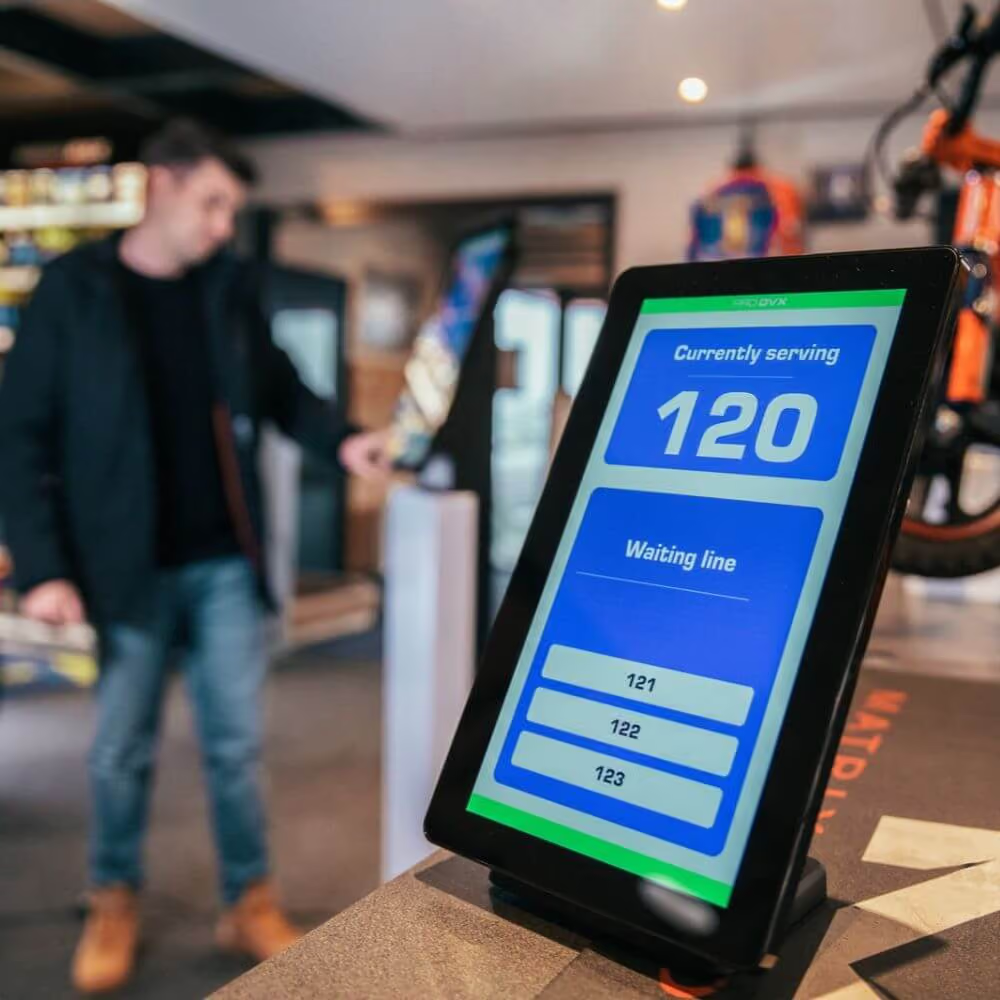



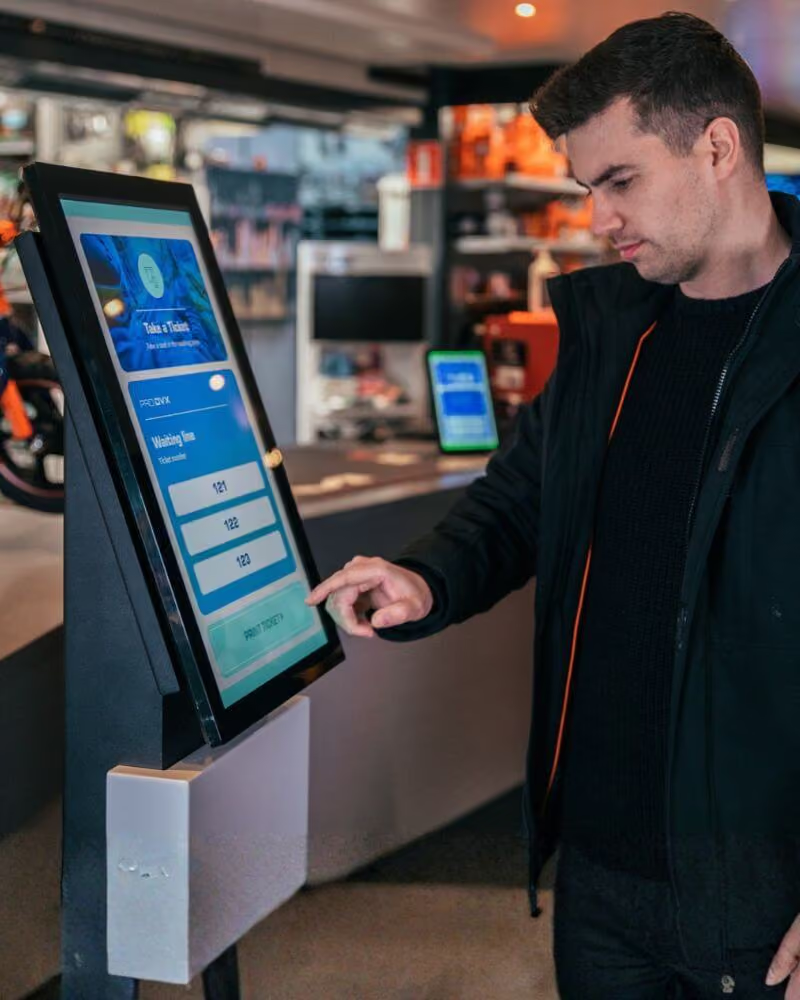
Keep customers moving smoothly through busy service areas. ProDVX Panel PCs combine responsive PCAP touchscreens with non-glare displays for easy ticket selection and clear visibility under bright store lighting. Flexible connectivity supports integration with ticket printers and barcode scanners, helping create an efficient customer service experience.

Help patients check in and find the right waiting area with less confusion. ProDVX Panel PCs combine responsive touchscreens with non-glare displays for clear operation under bright hospital lighting. Designed for 24/7 operation, they provide reliable hardware for patient registration and queue management throughout the day.

Make visits to municipal offices and public service centres easier to manage. ProDVX Panel PCs offer intuitive PCAP touchscreens for selecting services and registering appointments. With PoE on supported models and flexible mounting options, they fit neatly into reception areas while keeping installation simple.
Make waiting for a table or takeaway order more convenient. ProDVX Panel PCs offer responsive PCAP touchscreens for self-registration, while compact screen sizes fit easily into busy restaurant entrances. With 24/7 operation and flexible connectivity, they support dependable queue management during peak service hours.
//BENEFITS FOR USERS
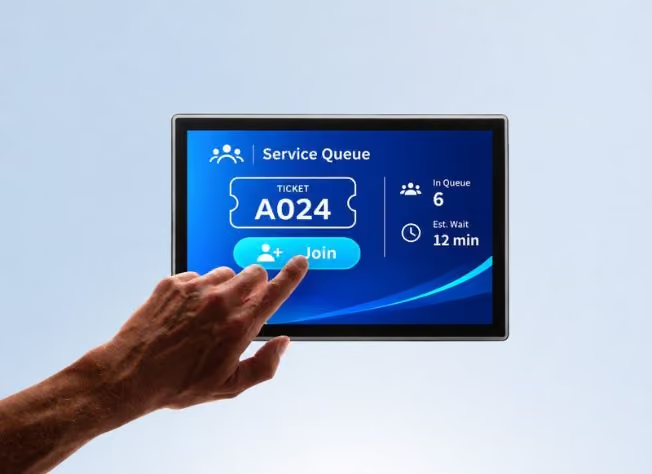
Waiting is easier when the process is clear. Use the touchscreen to select your service or confirm an appointment, then follow the information shown by the queuing application. ProDVX hardware supports clear registration and display points, so you can see the next step without repeatedly checking with reception staff.
//BENEFITS FOR SYSTEM INTEGRATORS
Build a consistent setup across reception, service counters and waiting areas. ProDVX provides hardware options for interactive check-in and visual information, with mounting and connectivity suited to each location. ProMGR supports compatible Android deployments, and optional Remote Service helps your team maintain devices remotely after the installation is complete.
//BENEFITS FOR SOFTWARE DEVELOPERS
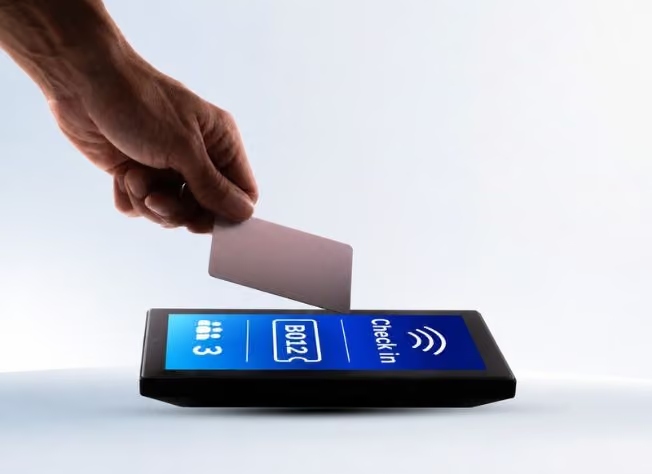
Keep service selection, appointment matching and call order within your application. ProDVX provides the touchscreen and display platforms for those interactions. Choose compatible scanning hardware where check-in requires a code, and use supported device functions to connect the on-screen experience with the practical needs of a busy reception environment.

// FEATURES

Als Unternehmen mit Sitz in den Niederlanden sind wir ein verlässlicher europäischer Partner mit eigener Produktentwicklung und gut erreichbarem technischem Support.

Für einen stabilen 24/7-Betrieb entwickelt.

Zuverlässige Komponenten und Produkte, die auf langfristige Verfügbarkeit ausgelegt sind.

Behalten Sie mit ProMGR die Kontrolle. Stellen Sie Ihre ProDVX Android-Geräte einfach bereit, sichern und verwalten Sie diese über ihren gesamten Betriebslebenszyklus.


//Recommended hardware
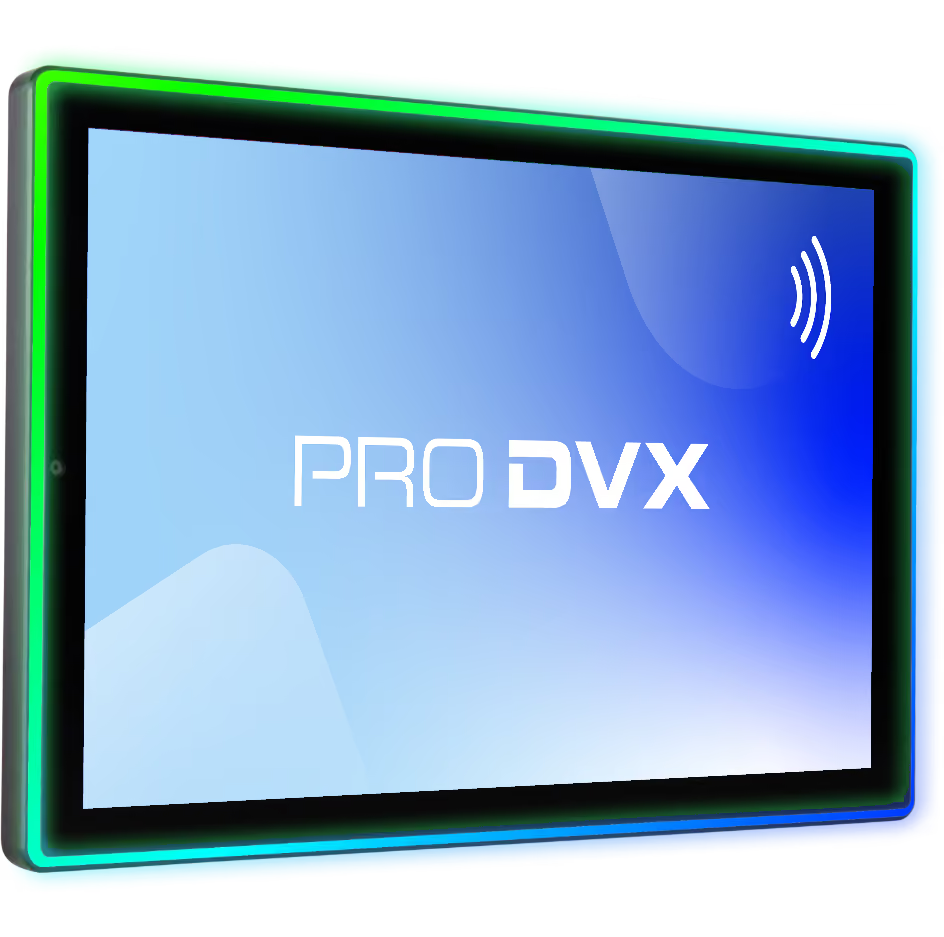
Panel PC


The utilization of ProDVX displays reduced the perception of waiting times, which in turn, increases customer loyalty, improves productivity and ultimately profitability.

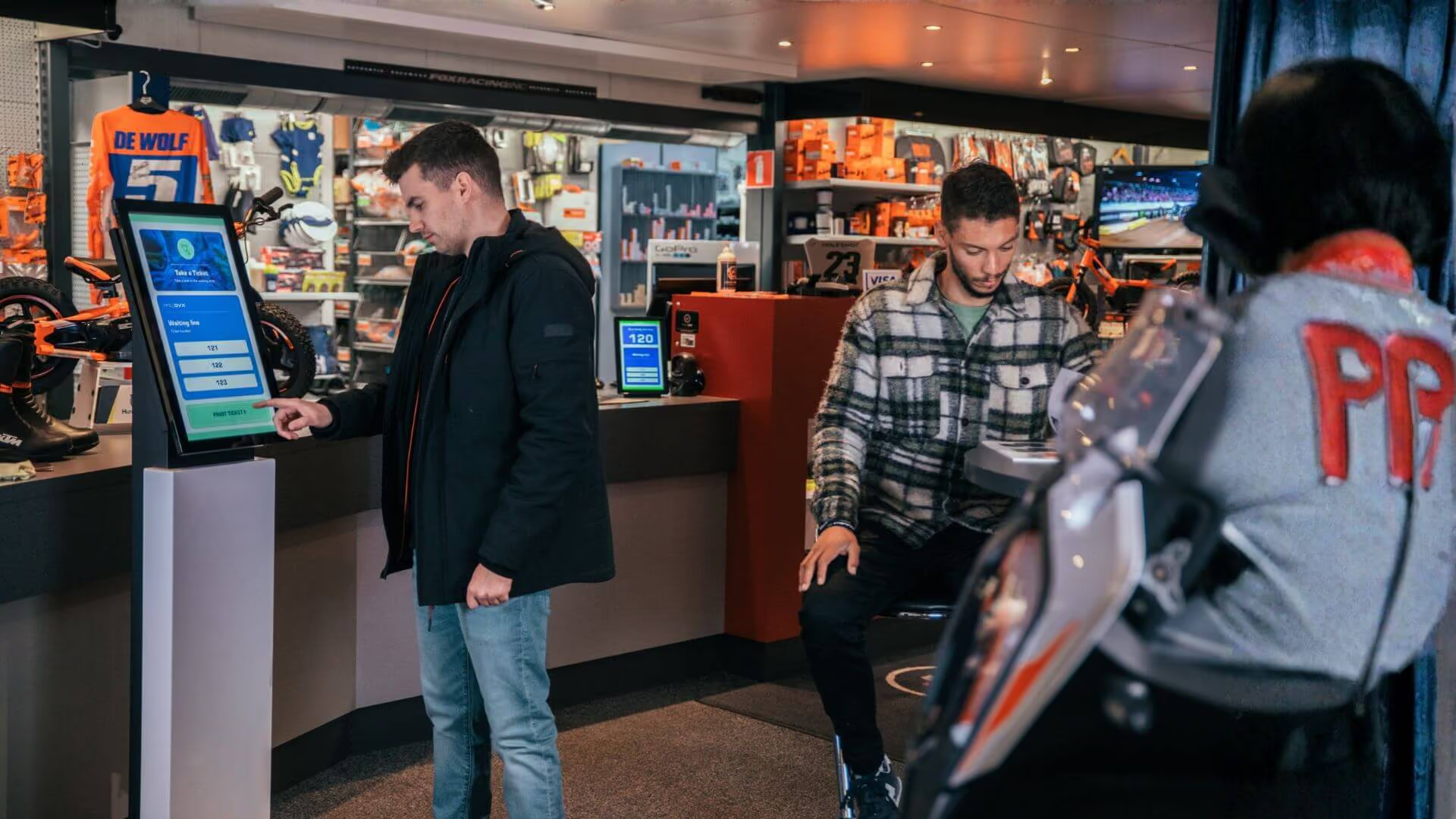
//BUILT TO FIT YOUR QUEUE
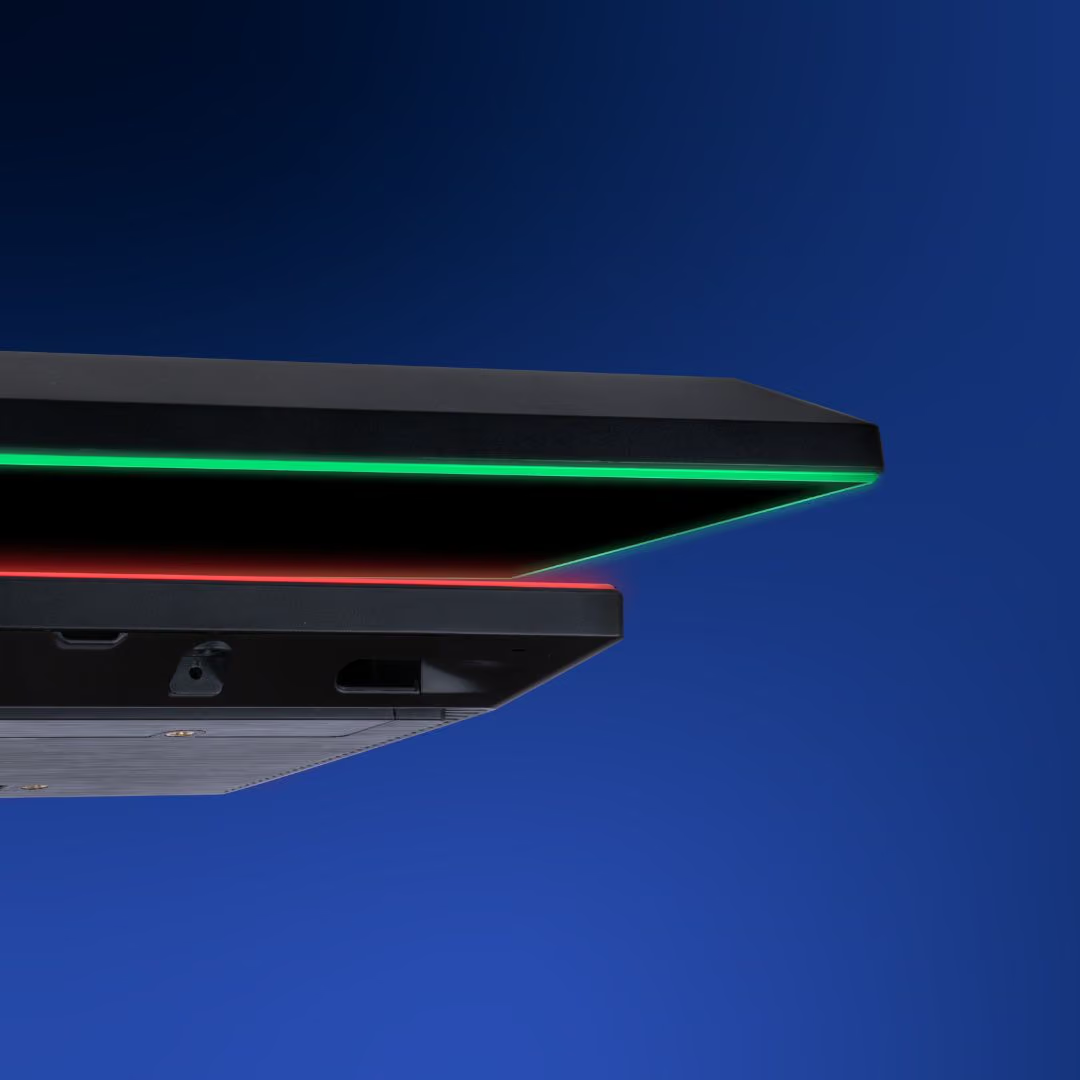
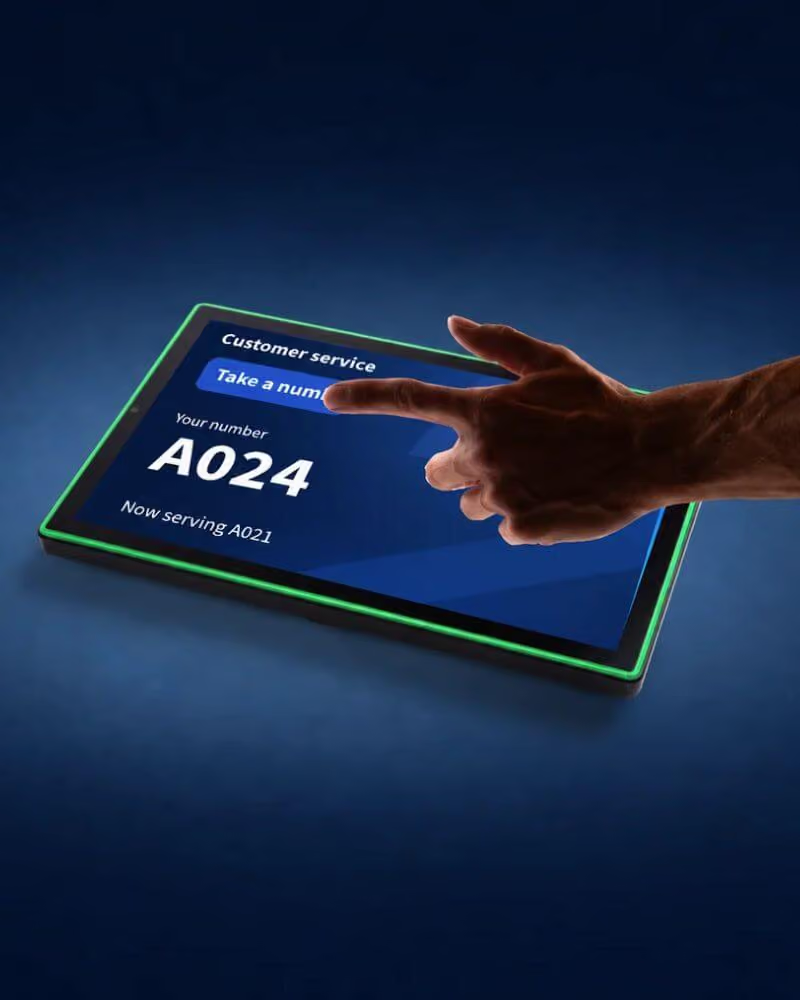
Match ProDVX displays with the queue-management software, check-in flow and physical installation required by the project.
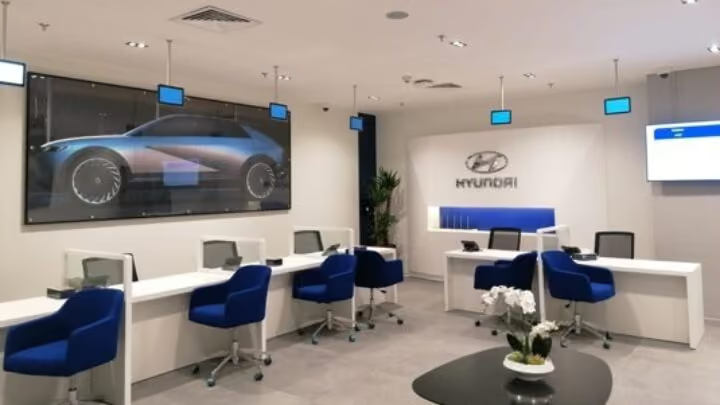
Hyundai
A Queuing System solution to reduce waiting times in the automotive industry


// FAQ
about Queuing system hardware
Our hardware is available with Android, Windows, ChromeOS and Linux, depending on the device. This gives you the flexibility to choose an operating system that fits your application and existing IT environment. Please see each product's individual page to find out with which operating system it comes.
Yes. Depending on the model, our devices offer connectivity options such as USB, HDMI, Ethernet and Pogo pin connectors. These allow you to connect peripherals such as NFC readers, barcode scanners and cameras to support your application.
Yes. We understand that not every project has the same requirements. Depending on your project, we can explore custom hardware options to match your application, installation or integration needs. We also provide OEM services. Get in touch with us so we can help you discuss what's possible.
Power over Ethernet allows you to power your device and connect it to your network using a single Ethernet cable. On supported ProDVX devices, this reduces cabling and makes installation easier.
We take device security seriously. With ProSECURE, we support the security of our Android devices through measures such as extended Android security updates and support for 802.1X network authentication. This helps you maintain a more secure device environment throughout its supported lifecycle.
The right hardware depends on your application and where the kiosk will be installed. Consider screen size, touchscreen functionality, connectivity and any peripherals you need, such as barcode or QR-code scanners or payment terminals. ProDVX offers professional Panel PCs designed for reliable, 24/7 operation, helping you build a self-service solution that fits your requirements.
Managing multiple kiosks doesn't have to mean visiting every location. With ProMGR, you can centrally and remotely manage ProDVX Android devices, making it easier to maintain your kiosk network. Combined with hardware designed for 24/7 operation and ProSECURE security features, this helps you keep your self-service solution running reliably.


Our team can help you select the right ProDVX hardware for your project.