


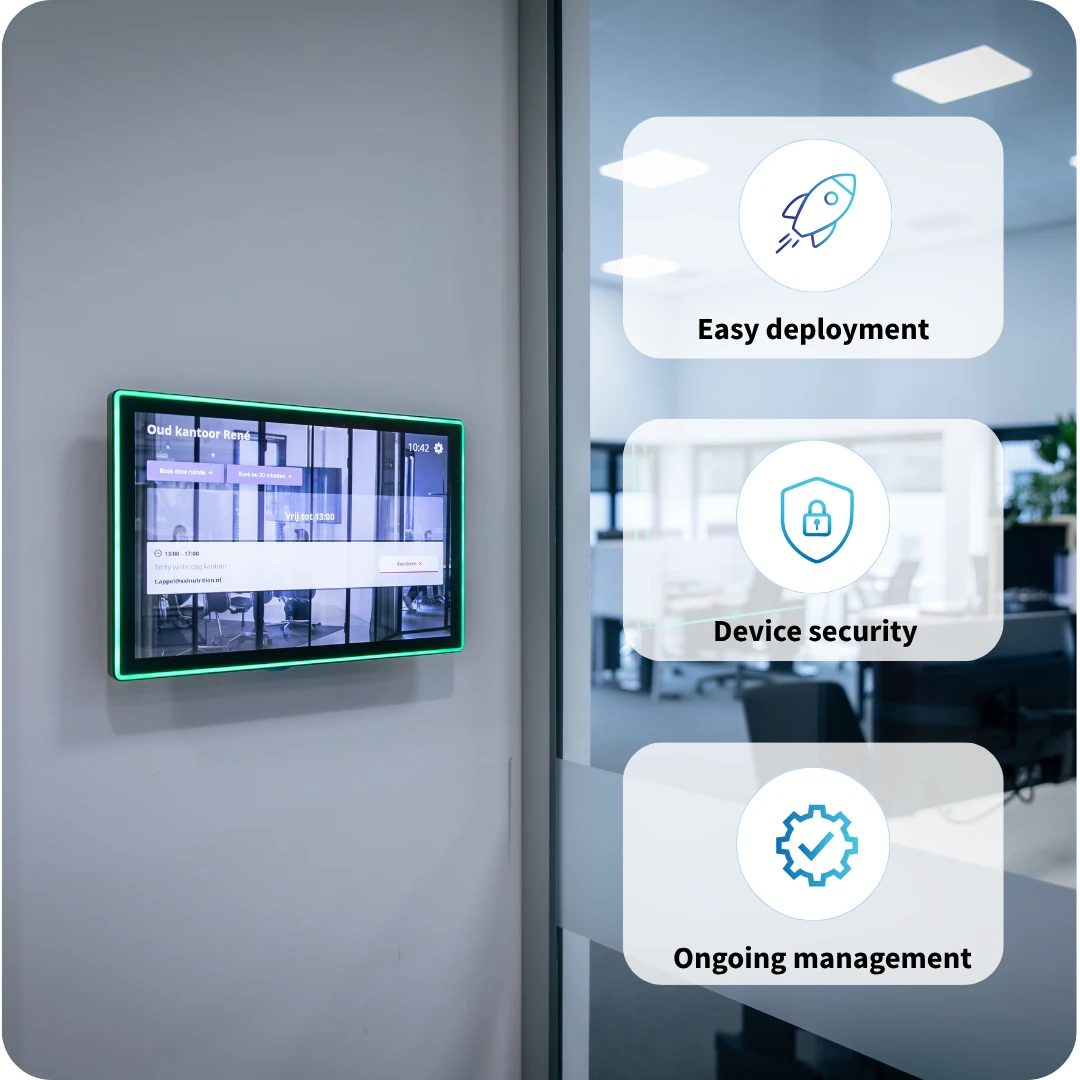
Easy deployment
Prepare devices and content for use.
Examples
- Centralized storage and management
- Deploy configurations, apps and content
- Local device configuration

Von der Einrichtung bis zum täglichen Betrieb


// Remote-Geräteverwaltung
ProMGR ist das Geräteverwaltungstool von ProDVX, das Sie bei der Bereitstellung, Sicherung und Verwaltung Ihrer ProDVX Android-Geräte über deren gesamten Lebenszyklus hinweg unterstützt. Von der Ersteinrichtung bis zum täglichen Betrieb senkt es Ihre Betriebskosten.
Konfigurieren und verwalten Sie mehrere Geräte remote über eine einzige Plattform.
Überwachen Sie den Gerätestatus und beheben Sie Probleme aus der Ferne.

// Geräteverwaltung vereinfachen
Erfahren Sie, wie ProMGR die Bereitstellung, Sicherheit und laufende Verwaltung von Geräten unterstützt und wie ProMGR Remote Service diesen Support aus der Ferne erweitert.
Save time, reduce costs, and manage devices from anywhere
When updates, changes or troubleshooting are needed, on-site support can quickly become time-consuming and costly. With ProMGR Remote Service, you gain access to the tools you need to manage your ProDVX devices remotely, from adjusting settings and performing updates to troubleshooting and support.
Manage devices remotely without travelling to site.
Lower travel expenses and reduce costly on-site engineer visits.
Take action quickly when issues arise, without waiting for a site visit.
ProMGR
ProMGR is ProDVX’s device management tool for Android-based ProDVX devices. It helps you deploy, configure, secure and manage your devices more efficiently throughout their lifecycle.
ProMGR includes local device management capabilities and access to the ProMGR portal. ProMGR Remote Service can be added for advanced remote management.
With ProMGR, you can configure devices, apply kiosk settings, manage users, organise devices into groups and prepare apps, files, profiles and configurations centrally.
ProMGR supports deployment, security and ongoing device management from one central environment. View the technical features page for a complete overview.
ProMGR Remote Service is an optional subscription that extends your ProMGR capabilities remotely. It allows you to manage, support and troubleshoot ProDVX devices from anywhere, reducing the need for on-site visits.
ProMGR Remote Service provides the tools you need to deliver remote service to your customers. It is not a managed service from ProDVX: we provide the remote management capabilities, while you remain in control of how you manage and support your deployed devices.
With ProMGR Remote Service, you can manage, maintain and support devices remotely, from deploying updates and monitoring device status to troubleshooting, running commands and managing files.
Yes. You can use ProMGR to configure, secure and prepare your ProDVX Android devices without a Remote Service subscription.
A subscription is only required when you want to monitor, update or support devices remotely.
To get started with ProMGR, first request a ProMGR account through your account manager or via the online registration form in Step 1 above. Once your request has been processed, you will receive an activation email and a separate email with your login credentials.
After activating your account, you can log in to ProMGR, set up your device, and start using the available device management features.
If you also want to use ProMGR Remote Service, contact your account manager and provide the device IDs that require remote access. A Remote Service subscription can then be activated for the selected devices.

