Vielen Dank! Ihre Nachricht wurde erfolgreich übermittelt.
Hoppla! Beim Absenden des Formulars ist ein Fehler aufgetreten.

//CONTROL PANEL
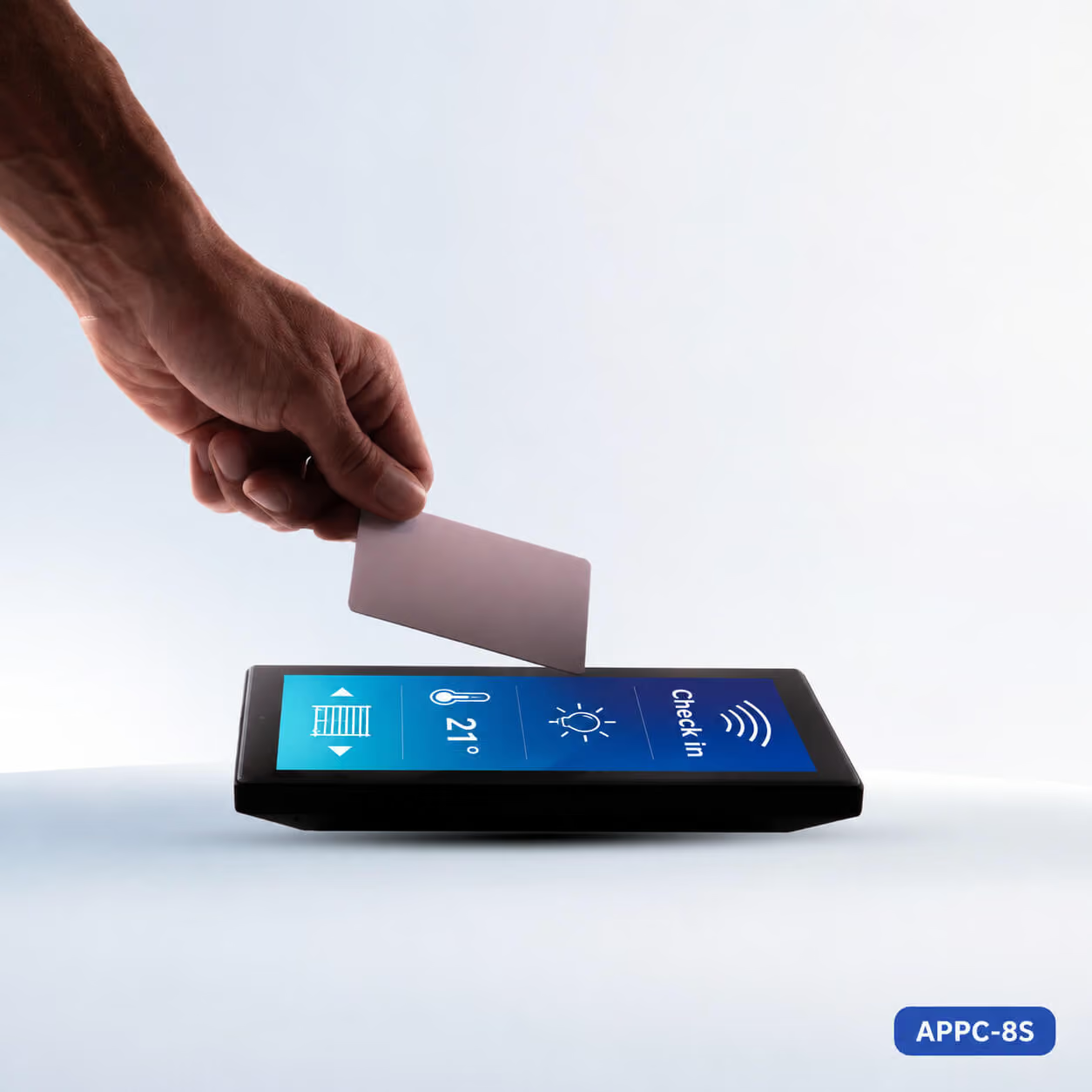
Create a smooth and professional experience with a ProDVX control panel that connects every system in a room, workstation, building or dedicated environment. Through one clear touchpoint, users can adjust AV, lighting, HVAC, blinds and other control systems.




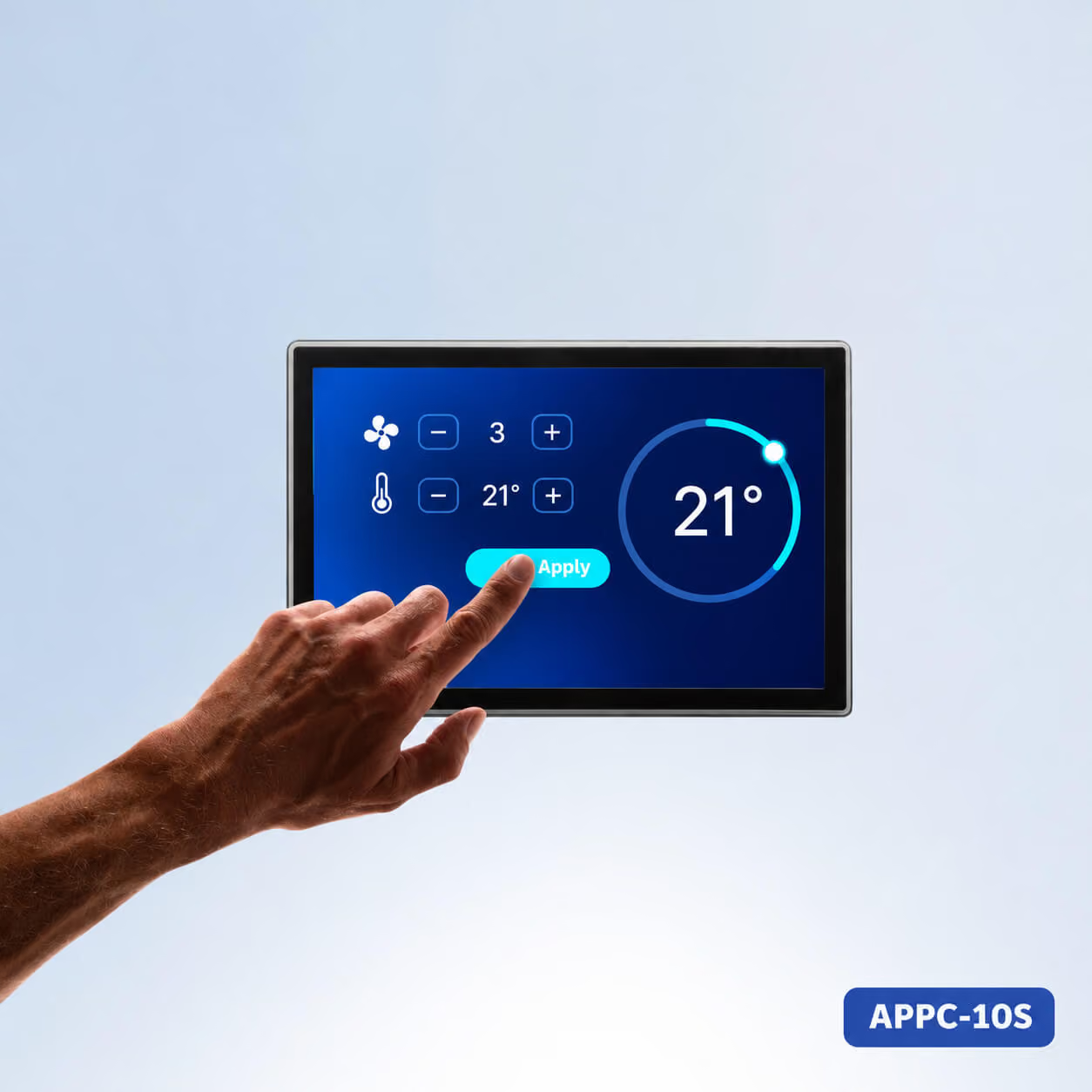
A ProDVX control panel has a modern design that fits perfectly into any modern building and supports professional climate control. Designed for 24/7 use, it supports reliability and uptime in professional environments.
A stable and secure hardware foundation for central building control. With ProSECURE, European roots and reliable product quality, it supports applications where continuity and security are essential.

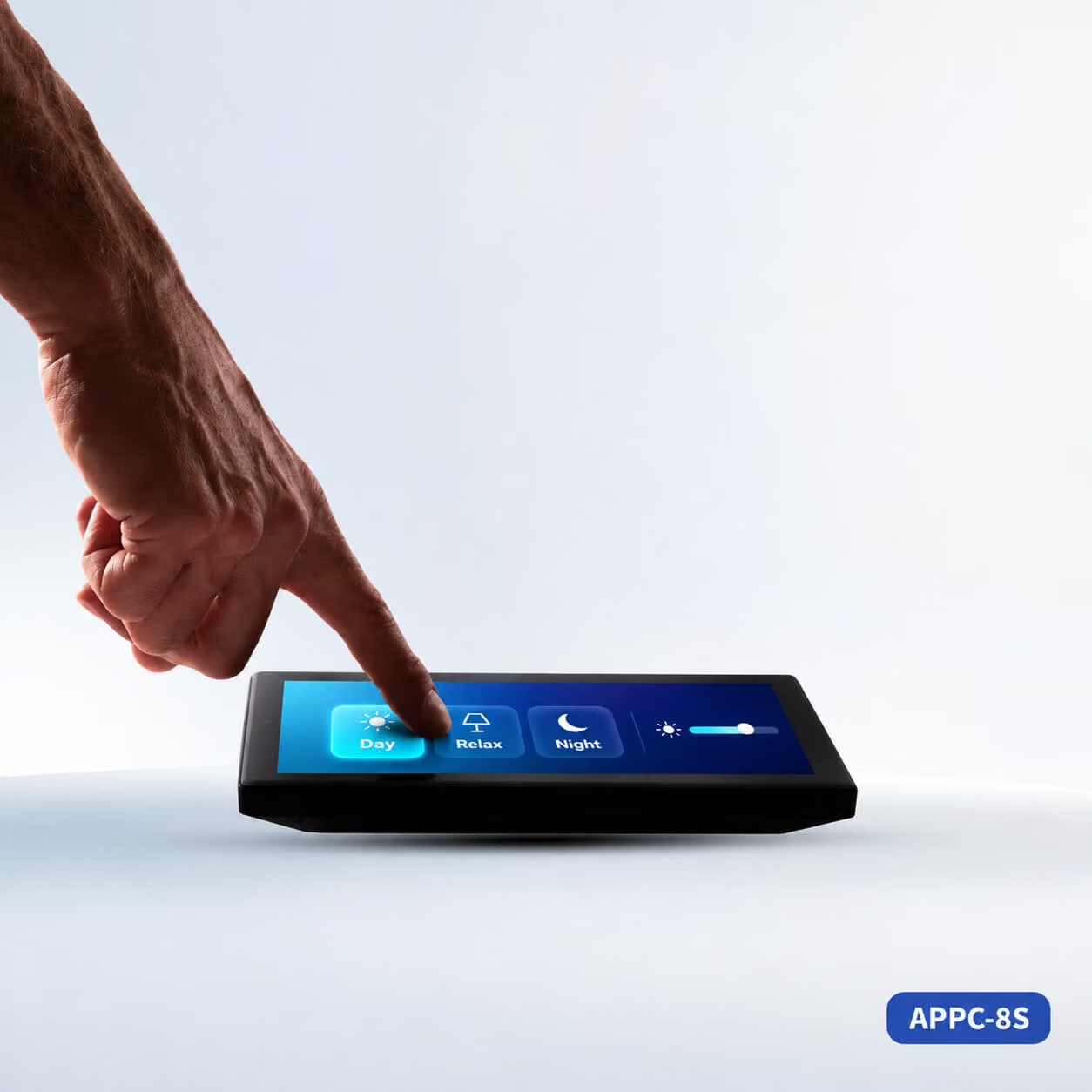
A robust and modern designed touch interface for controlling AV, media and entertainment systems. It's built for 24/7 use with premium-quality components.
A compact and powerful interface that's built around reliability and robustness. It supports environments where systems need to keep running. ProDVX control panels are often used in environments like precision manufacturing and cleanroom manufacturing, running applications that monitor and track production (OEE), visualize status through Andon systems, visualize SCADA, MES systems or communicate digital work instructions.
//BENEFITS FOR USERS
An environment without connected systems means user frustration, questions for facility and IT teams and a less professional experience. Connect systems through a secure ProDVX control panel and create a smart environment.
//BENEFITS FOR SYSTEM INTEGRATORS
A ProDVX control panel is more than a user interface. It provides a reliable, professional hardware foundation that helps simplify deployment, reduce support needs and deliver a seamless experience to the end customer. Control panels are built for fixed installation, continuous operation and long-term reliability in any environment.
//BENEFITS FOR SOFTWARE DEVELOPERS
A control panel device shapes how your application is experienced. ProDVX control panels are built to run and support professional building-control applications, and give your control software a stable and easy-to-integrate platform. This includes smart device management tools and an API, helping you to deliver a reliable user experience across rooms, buildings and other environments.
// FEATURES

Für einen stabilen 24/7-Betrieb entwickelt.

Zuverlässige Komponenten und Produkte, die auf langfristige Verfügbarkeit ausgelegt sind.

Unsere umfassenden Maßnahmen für Geräte, die dauerhaft im Einsatz sind. ProSURANCE ist ein standardmäßiges Hardware-Absicherungspaket mit zuverlässigem Produktdesign für den 24/7-Betrieb, umfangreichen Tests, drei Jahren Standardgarantie, gut erreichbarem technischem Support und weiteren Leistungen.

Als Unternehmen mit Sitz in den Niederlanden sind wir ein verlässlicher europäischer Partner mit eigener Produktentwicklung und gut erreichbarem technischem Support.

ProSECURE umfasst die Maßnahmen von ProDVX für umfassende Gerätesicherheit. Dazu gehören verlängerte Android-Sicherheitsupdates und Support, kontinuierliche Überwachung, Netzwerkzugangskontrolle (NAC), sichere Patches und Firmware-Updates sowie die Kontrolle über Sicherheitsrichtlinien auf Geräteebene.

Je nach Gerät stehen Android, Windows oder ChromeOS, verschiedene Größen und passende Anschlussmöglichkeiten zur Verfügung.


//Recommended hardware
Panel PC
Panel PC
Panel PC


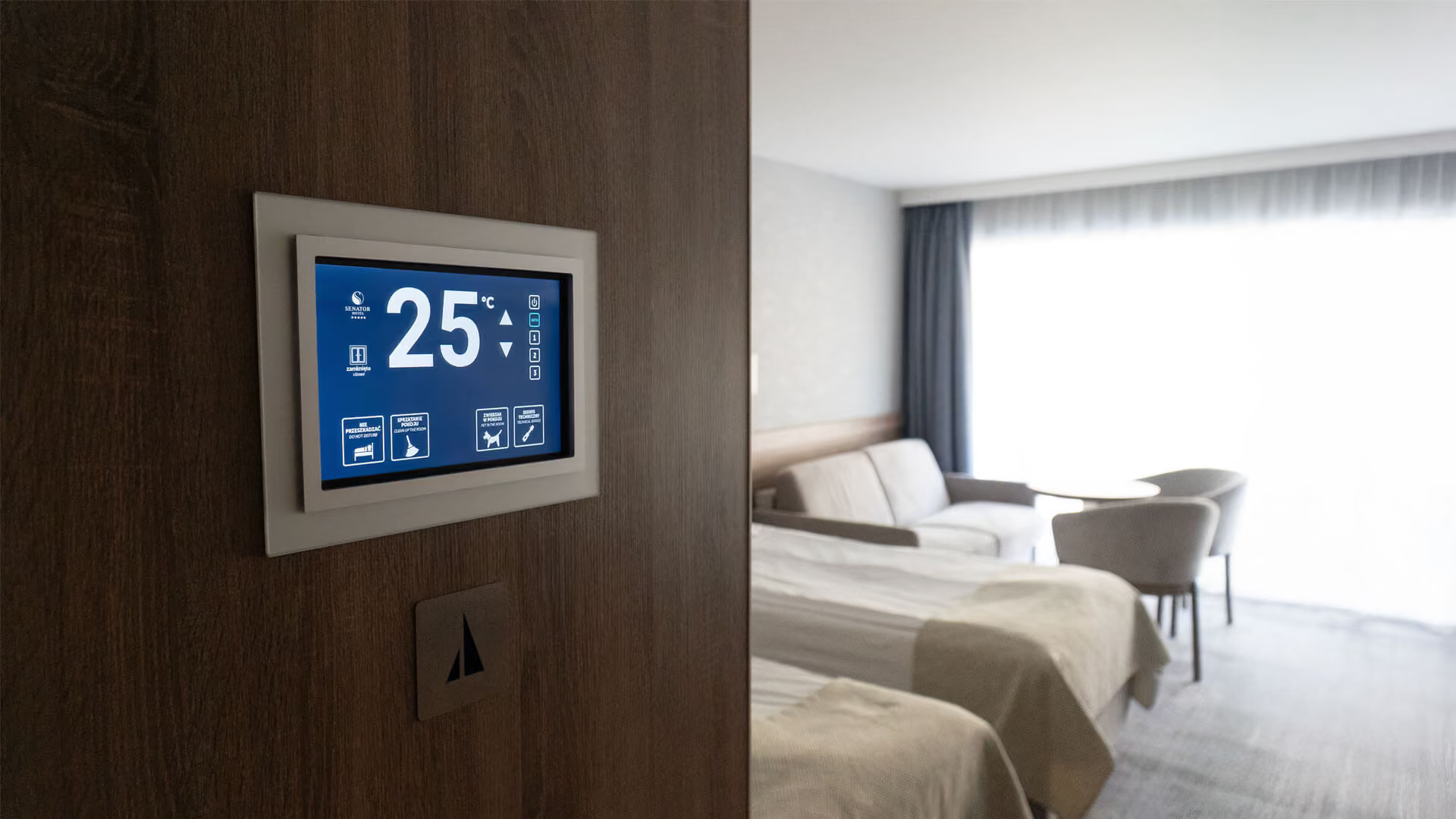
Two factors were our top priorities: ease of use and operational reliability. The ProDVX control panel meets these requirements perfectly.

//case

// FAQ
about ProDVX control panels
A control panel acts as the central touchpoint between a user and one or more connected systems. It can be used to control systems within a room, building, workstation, machine, warehouse or industrial environment.
In a building, for example, a control panel can connect to a building management system and allow users to adjust lighting, HVAC, blinds or AV settings. In an industrial or machine environment, it can function as a human-machine interface, helping users select options, monitor processes or control specific actions. Think of applications such as coffee machines, locker systems, production lines, warehouse stations or dedicated workstations.
The exact functionality depends on the software, integrations and systems behind the panel. ProDVX provides the professional hardware platform that makes these interactions reliable, intuitive and secure.
ProDVX does not provide the control panel software itself. We focus on professional hardware, firmware, device management tools and the security layer needed to support reliable control panel solutions.
However, we work with ProClub software partners worldwide. These partners develop software for a wide range of control, room management, industrial, workplace and building applications. Depending on your project, we can help connect you with a suitable partner.
A ProDVX control panel is software-agnostic. This means that, in principle, all popular software applications can run on a ProDVX control panel, provided they are certified or compatible with the device. From commonly used home automation applications to sector-specific control systems, many possibilities are available.
Contact a ProDVX account manager to discuss the best solution for your situation or to explore the possibility of certifying your application for use on a ProDVX control panel.
A ProDVX control panel is available with Android, Windows or Linux. Contact a ProDVX account manager for advice on which operating system best fits your application and project requirements.
Security is an essential part of every ProDVX solution. That is why our devices include ProSECURE: a security approach designed to help protect your device fleet throughout its lifecycle.
ProSECURE combines several security measures, including extended Android security support, IEEE 802.1X network authentication, secure firmware, disabled ADB over TCP by default, secure patching and device policy management via ProMGR. This helps businesses deploy control panels with confidence, especially in professional environments where reliability, access control and data protection matter.
A ProDVX control panel can be used in a wide variety of connected environments. Common examples include AV systems, lighting, HVAC, blinds, building management systems, room booking platforms, locker systems, access control, industrial systems, warehouse applications and machine interfaces.
Because ProDVX control panels are software-agnostic, they can be integrated into many different solutions. This gives software developers, system integrators and end customers the flexibility to create a control experience that matches their exact use case.


Our team can help you select the right ProDVX hardware for your project.