Vielen Dank! Ihre Nachricht wurde erfolgreich übermittelt.
Hoppla! Beim Absenden des Formulars ist ein Fehler aufgetreten.

A room change, a busy reception or an unclear timetable can interrupt the day. ProDVX hardware gives your campus applications a visible place to help. Support room booking, student check-in and information sharing, with displays that fit classrooms, libraries and shared spaces.
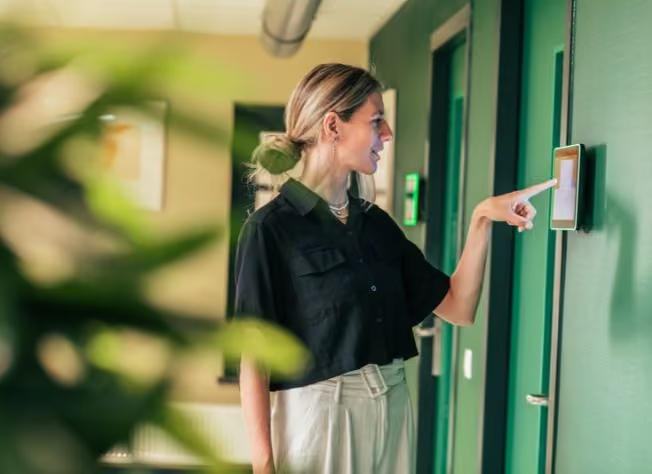



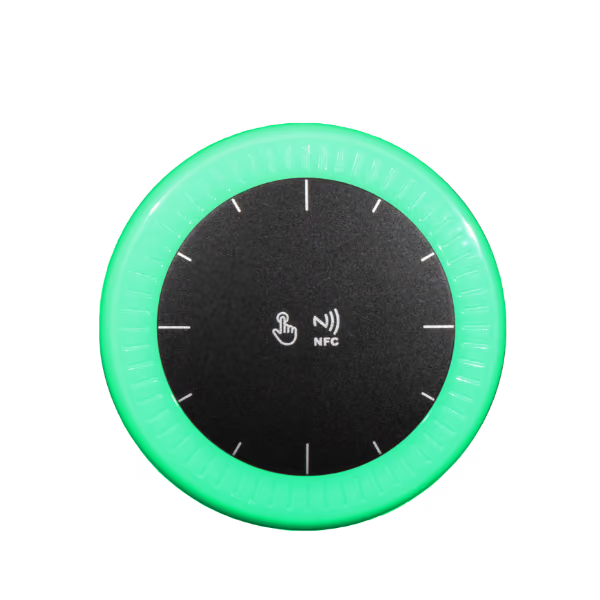
Built-in or external NFC readers on compatible devices let students and staff present a supported campus card. Your application can use that interaction for check-in, identification or access to authorised functions.

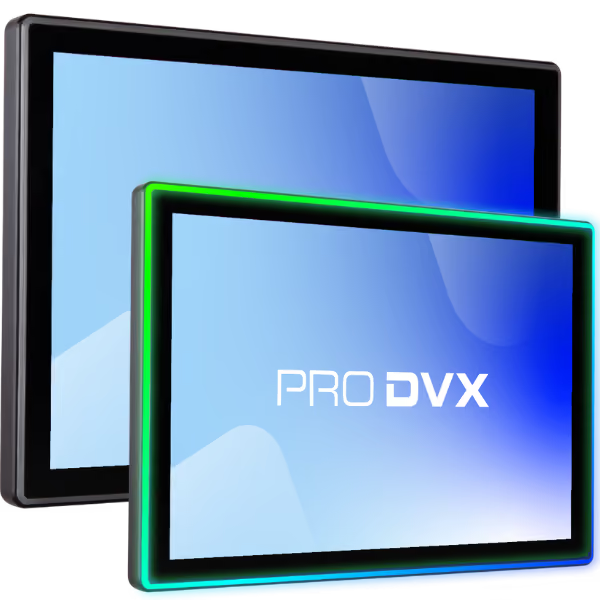
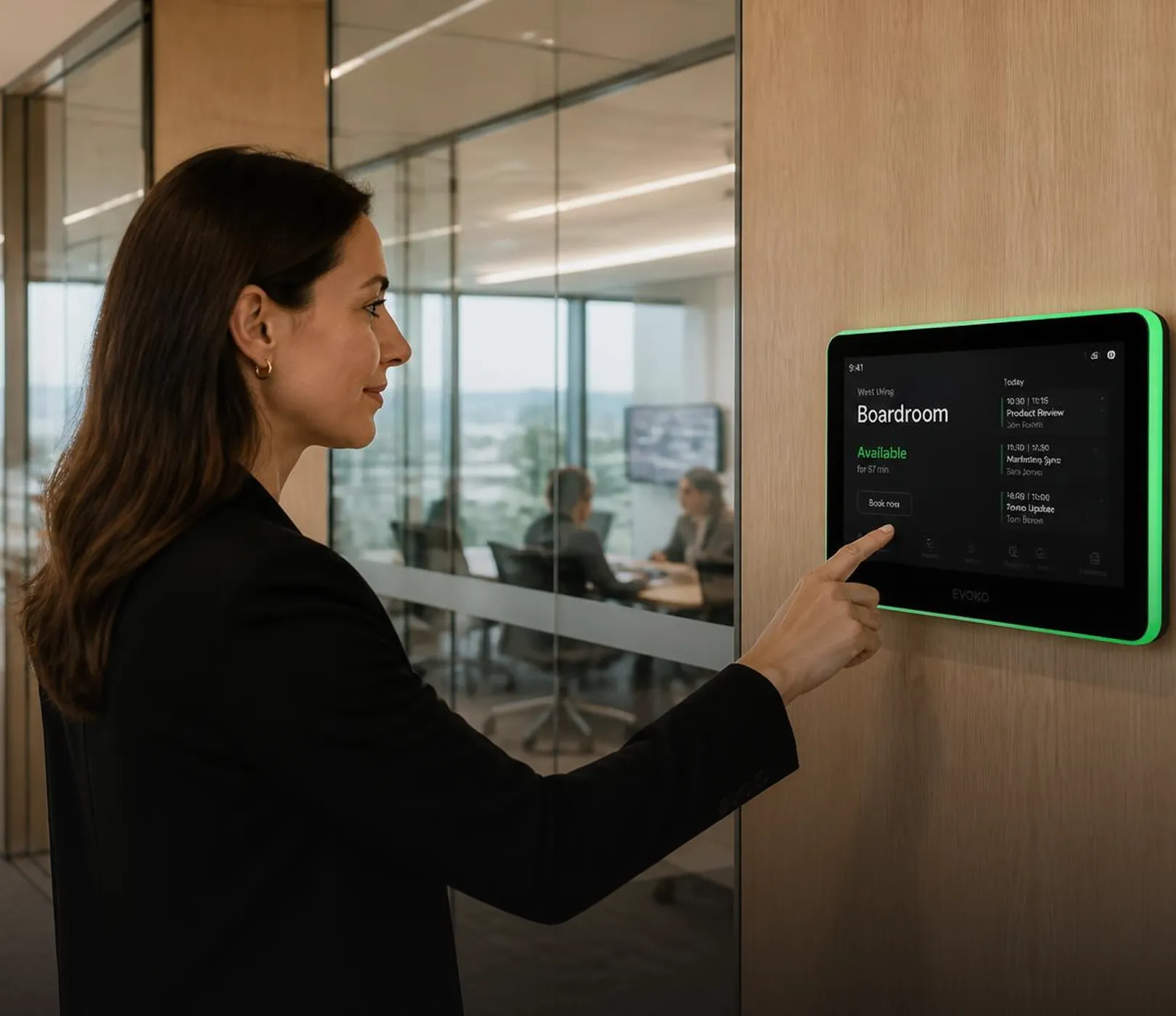
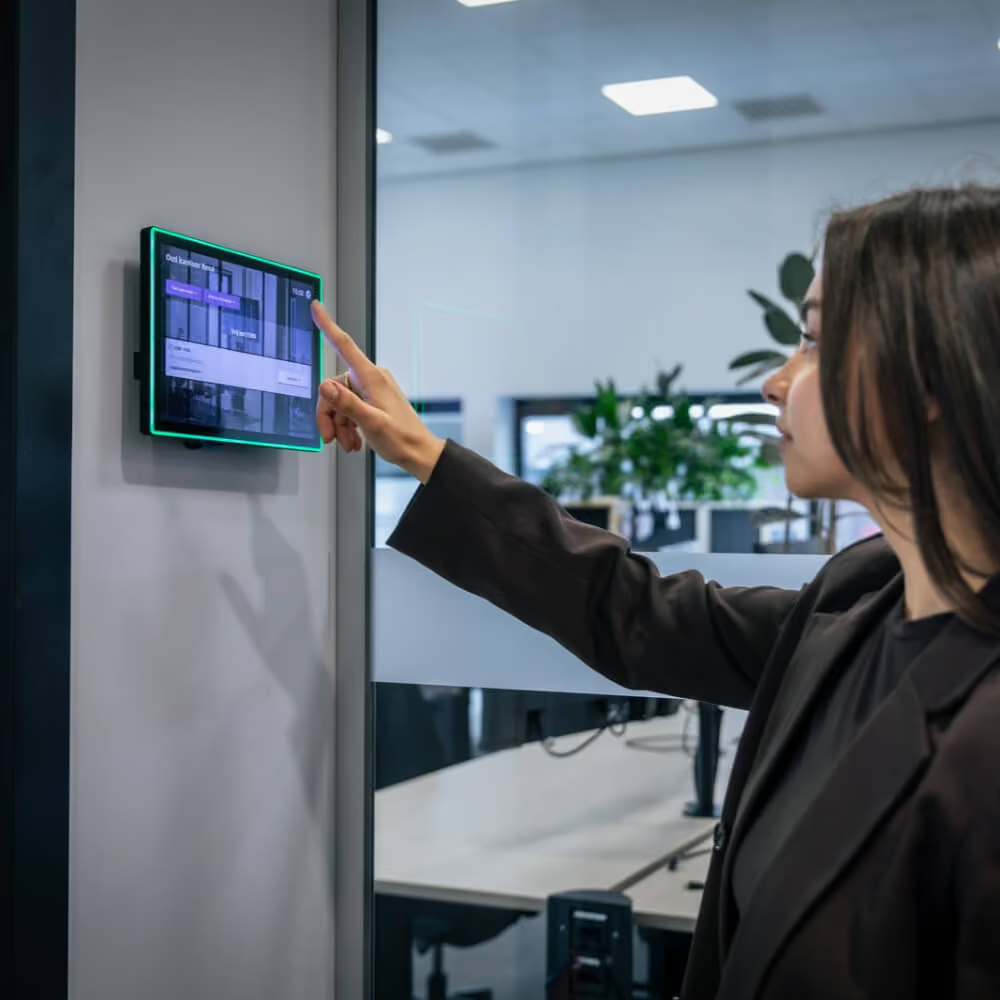
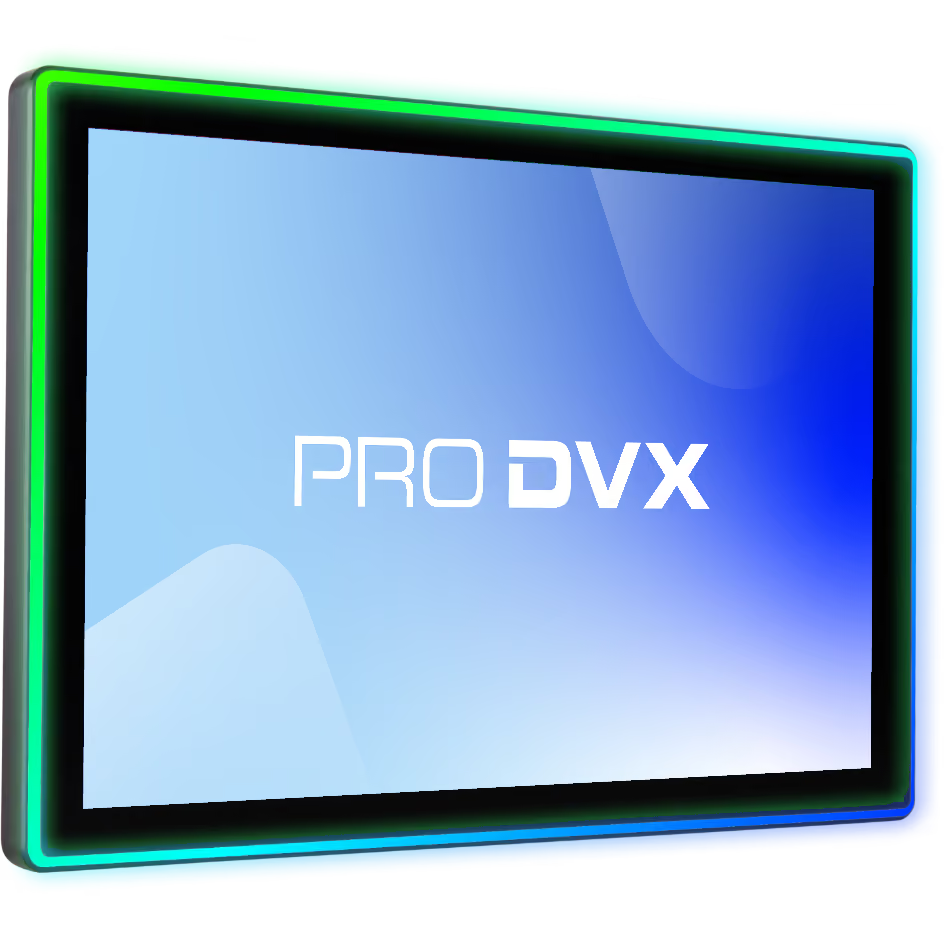
A Surround LED bar on supported models makes room status visible along the corridor. Your booking application sets the colours, helping students and staff identify an available study or meeting space.

ProMGR helps your IT team prepare consistent Android device settings. Optional Remote Service adds remote updates and troubleshooting, so routine maintenance does not always mean a trip to another building.

Power and connect supported panels with one Ethernet cable. Combined with suitable mounting, this helps installers add room displays across classrooms and libraries without a separate power connection at every screen.
// Corporate solutions overview
Explore how our hardware and partner applications help students find spaces, check in and stay informed.
//Room booking
Status lighting shows availability from down the corridor, while PoE+ keeps installation to a single cable.
Wayfinding System
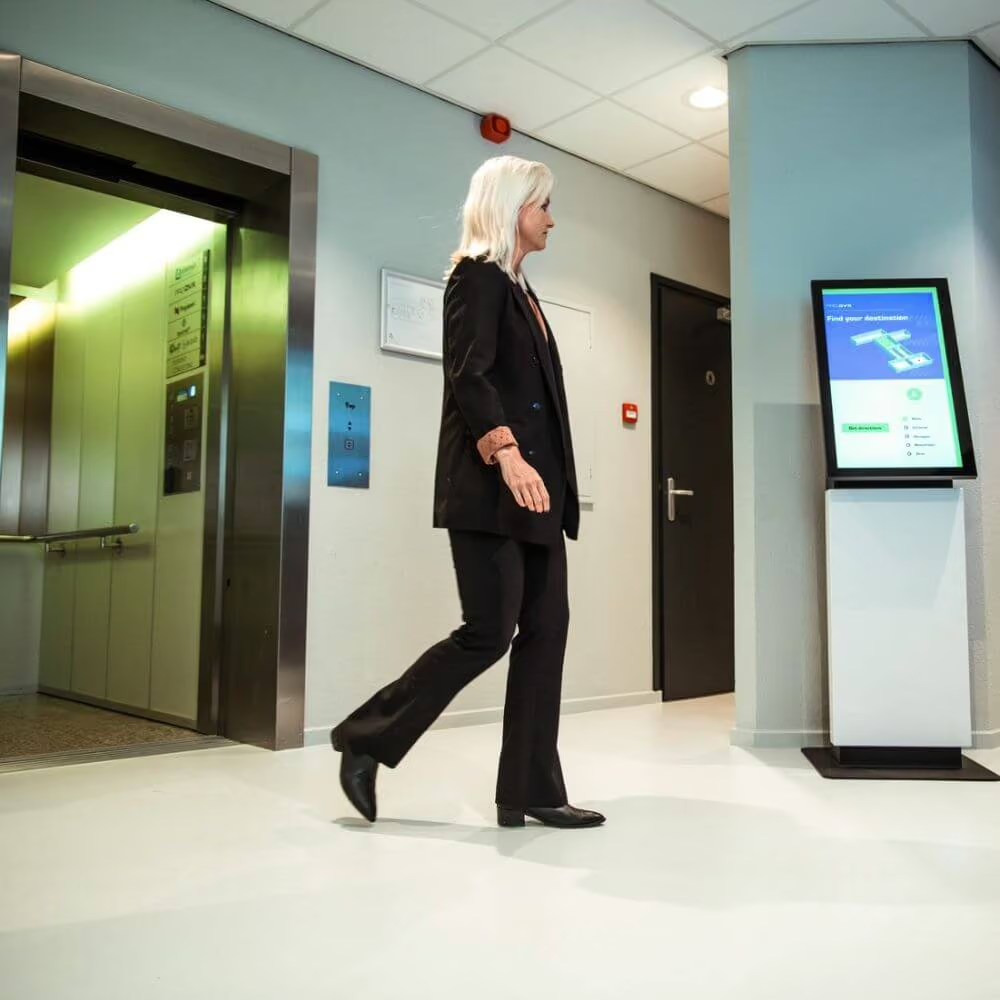
Easily navigate any building. Combine ProDVX displays with wayfinding software to help visitors find departments, shops, meeting rooms or campus facilities. Clear maps and searchable directories put directions where people need them, while professional hardware provides a dependable information point throughout your opening hours.

Self Service Kiosk
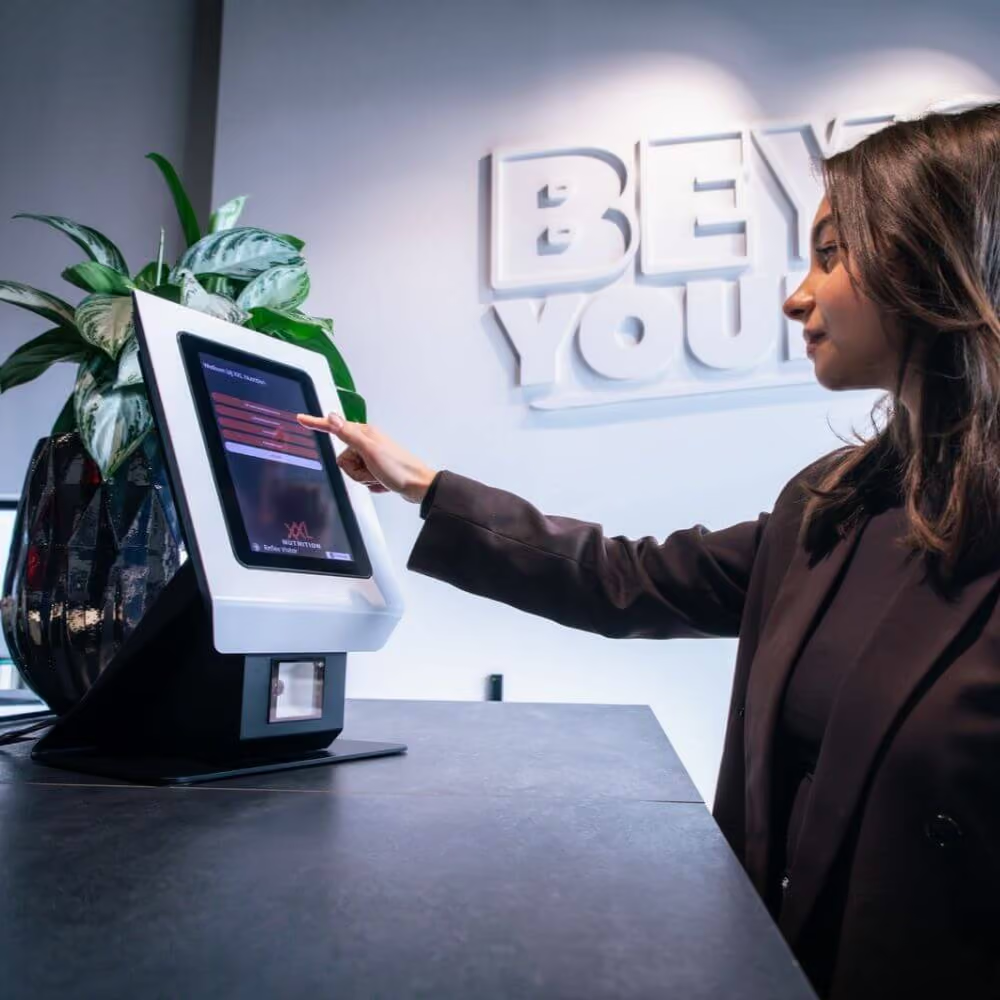
Beyond a user-friendly interface, a successful self-service kiosk relies on robust hardware, with a Panel PC sitting at its heart.

Room Booking
Make room availability clear before anyone opens the door. Pair ProDVX room displays with compatible booking software to show schedules and support reservations at the room. Employees, students and guests can see what is available, while your chosen application manages bookings and keeps the information connected to your calendars.

Digital Signage
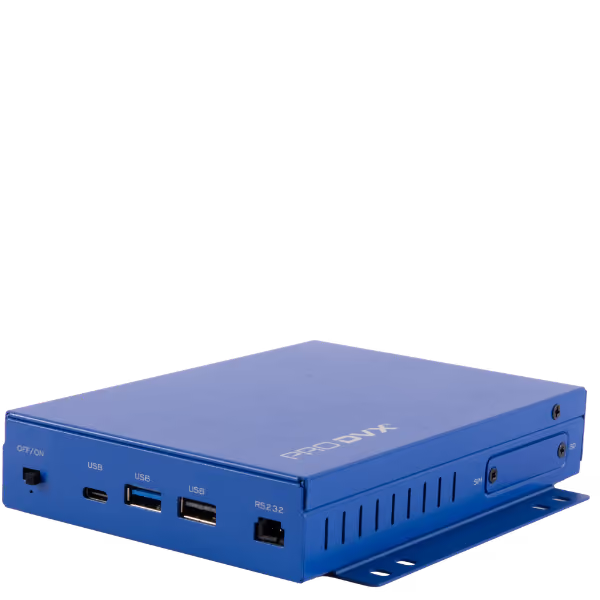
Keep everybody informed with digital signage that fits the setting. ProDVX display solutions and Box PCs provide a reliable hardware foundation for your content management software. From product promotions to workplace updates, bring useful information to the places where people shop, work, meet, learn and spend time.


Queuing Systems
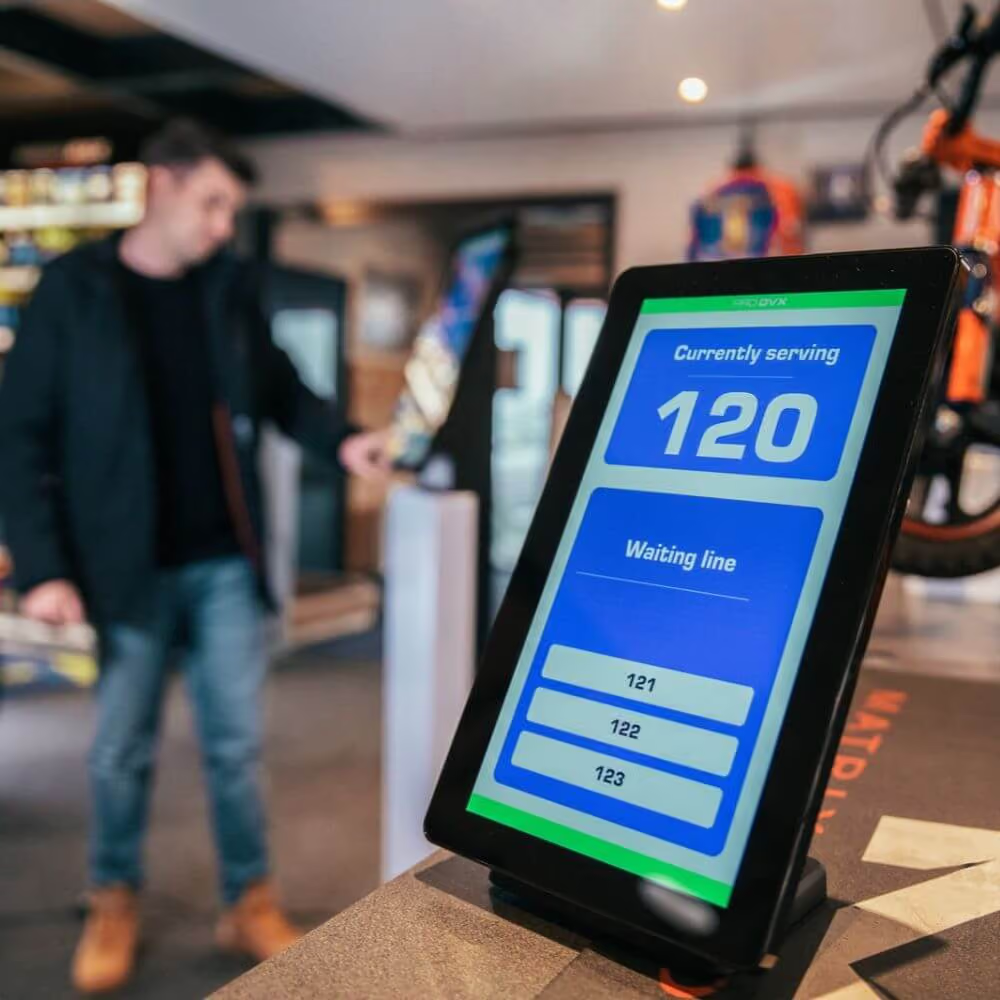
Help visitors understand where to register, what happens next and when they will be called. ProDVX touchscreens and displays provide the hardware for your queuing system, from service selection to waiting area information. Connected queue management software organises the flow, while clear on-site touchpoints keep people informed.

Control Panel
Create a smooth and professional experience with a ProDVX control panel that connects every system in a room, workstation, building or dedicated environment. Through one clear touchpoint, users can adjust AV, lighting, HVAC, blinds and other control systems.


//Product Categories
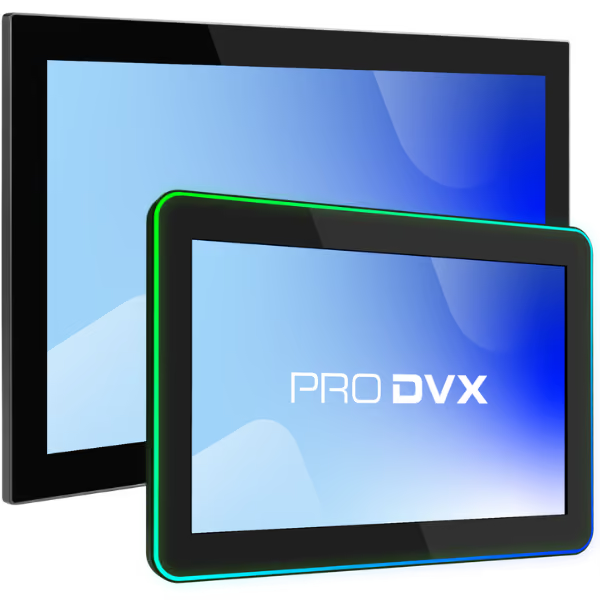
Match each classroom, library and reception area with the screen size, connections and mounting your application needs.


//Recommended Products
Panel PC
Panel PC
//Case Studies
See how organisations and ProClub partners use ProDVX hardware to improve shared spaces and workplace experiences.

// FAQ
ProMGR helps you organise and configure compatible ProDVX Android devices. An optional Remote Service subscription enables remote monitoring, updates and troubleshooting. It gives your team a practical way to maintain distributed screens while keeping control over when device changes are made.
ProSECURE supports Android device security through firmware protection, updates and other device-level measures. ProMGR also supports kiosk settings that keep a panel focused on its intended application. Your IT team configures the network and access policies, while the application manages student and staff data.
Yes. ProClub connects us with software partners for room booking, check-in, signage and other applications. We can help you explore suitable options and assess the required ProDVX hardware. The chosen partner handles application functions and integrations with your campus systems.
Compatible NFC readers can read supported cards and pass the information to your application. This can support attendance, room check-in or authorised actions. Your software manages identity and permissions. Share the card technology and intended workflow so the reader and application can be checked together.
As a manufacturer, we can assess OEM and ODM requests for specific enclosures, mounting or connections. Tell us how the device will be used and where it will be installed. We will discuss technical feasibility, project quantities and lead times with your team or integration partner.


Tell us what you want to build. Our team will help you select the right hardware and
connect you with relevant solution partners.