Vielen Dank! Ihre Nachricht wurde erfolgreich übermittelt.
Hoppla! Beim Absenden des Formulars ist ein Fehler aufgetreten.

//ROOM BOOKING
Make room availability clear before anyone opens the door. Pair ProDVX room displays with compatible booking software to show schedules and support reservations at the room. Employees, students and guests can see what is available, while your chosen application manages bookings and keeps the information connected to your calendars.
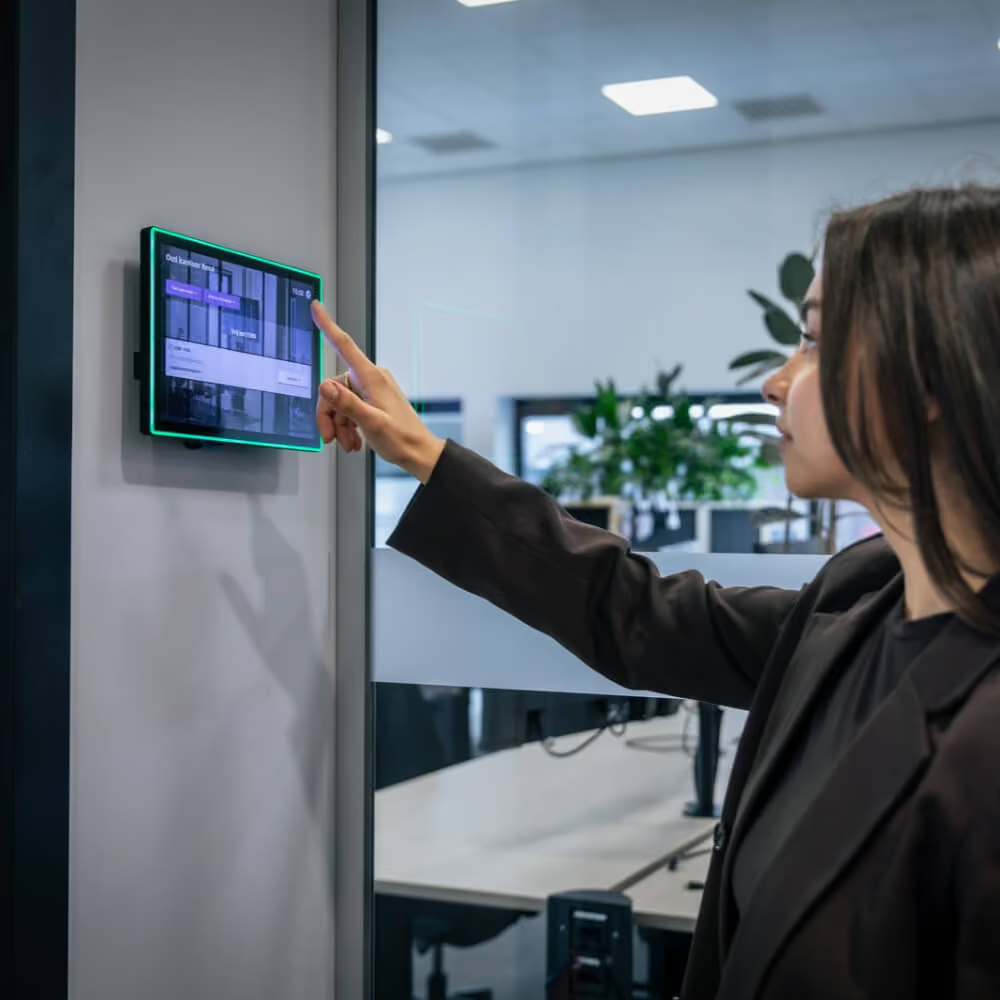



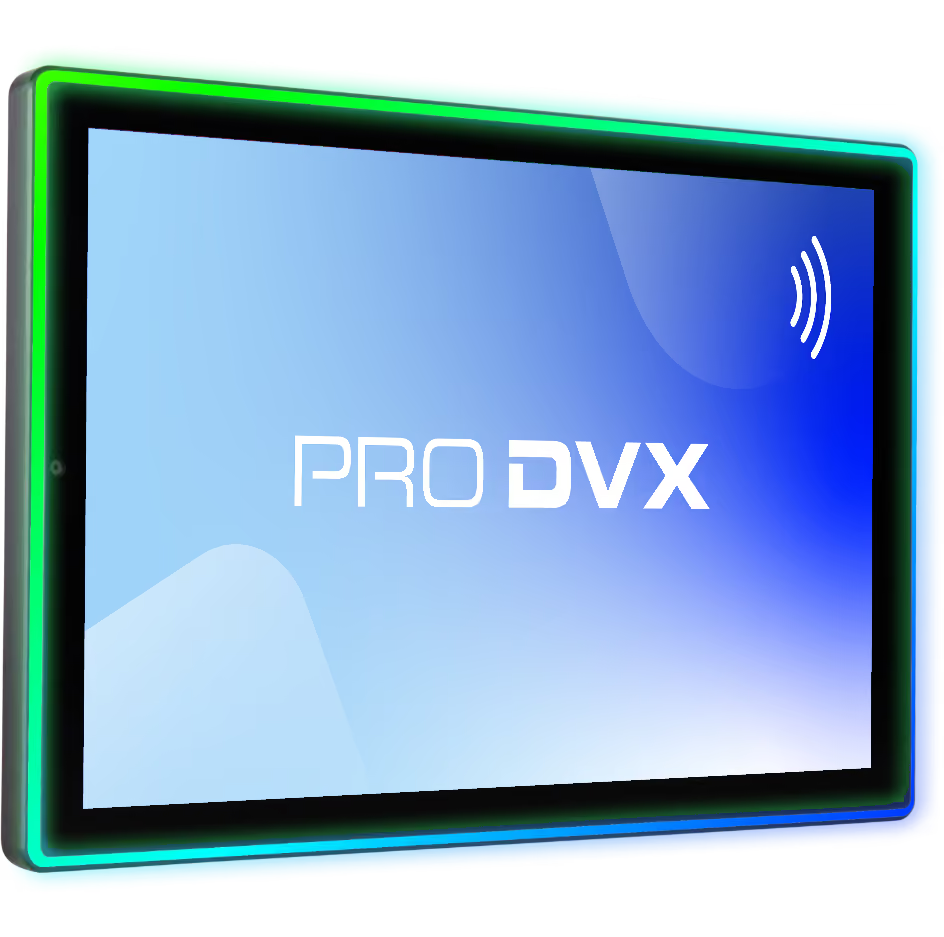
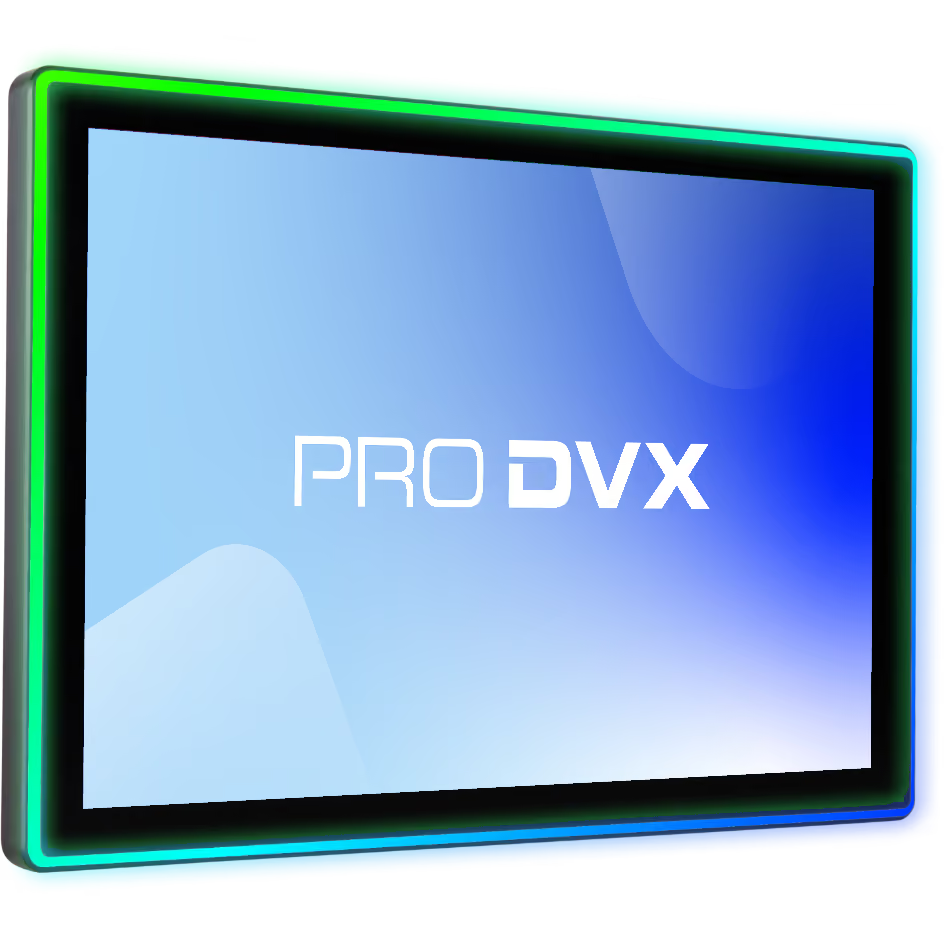
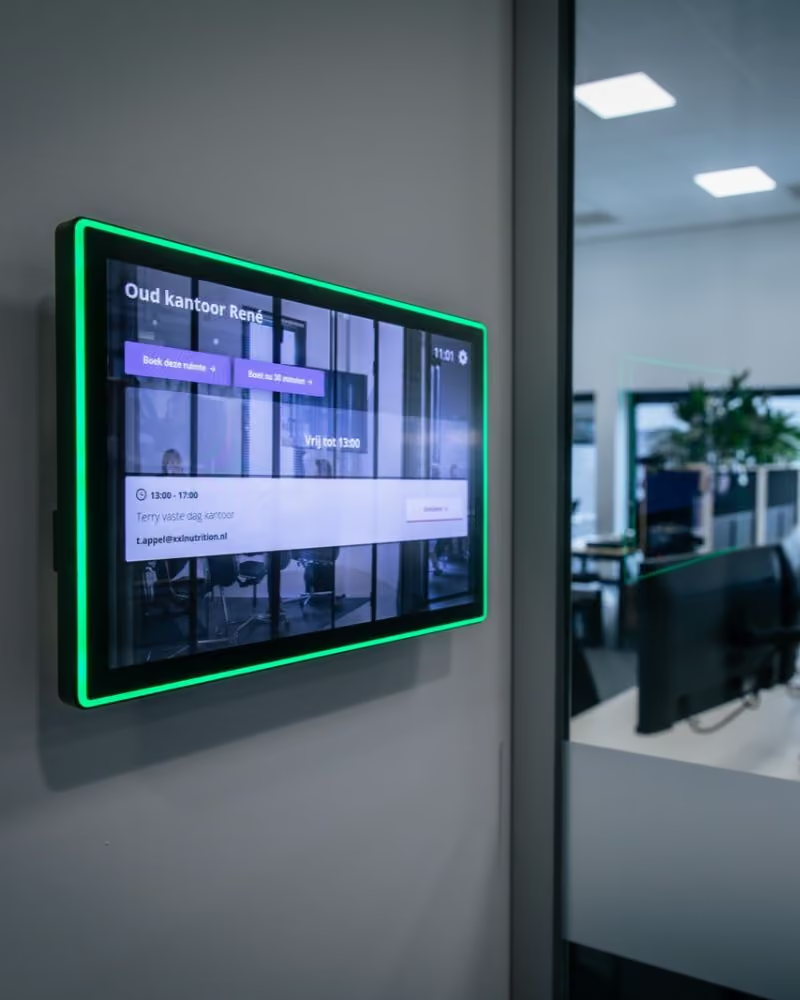
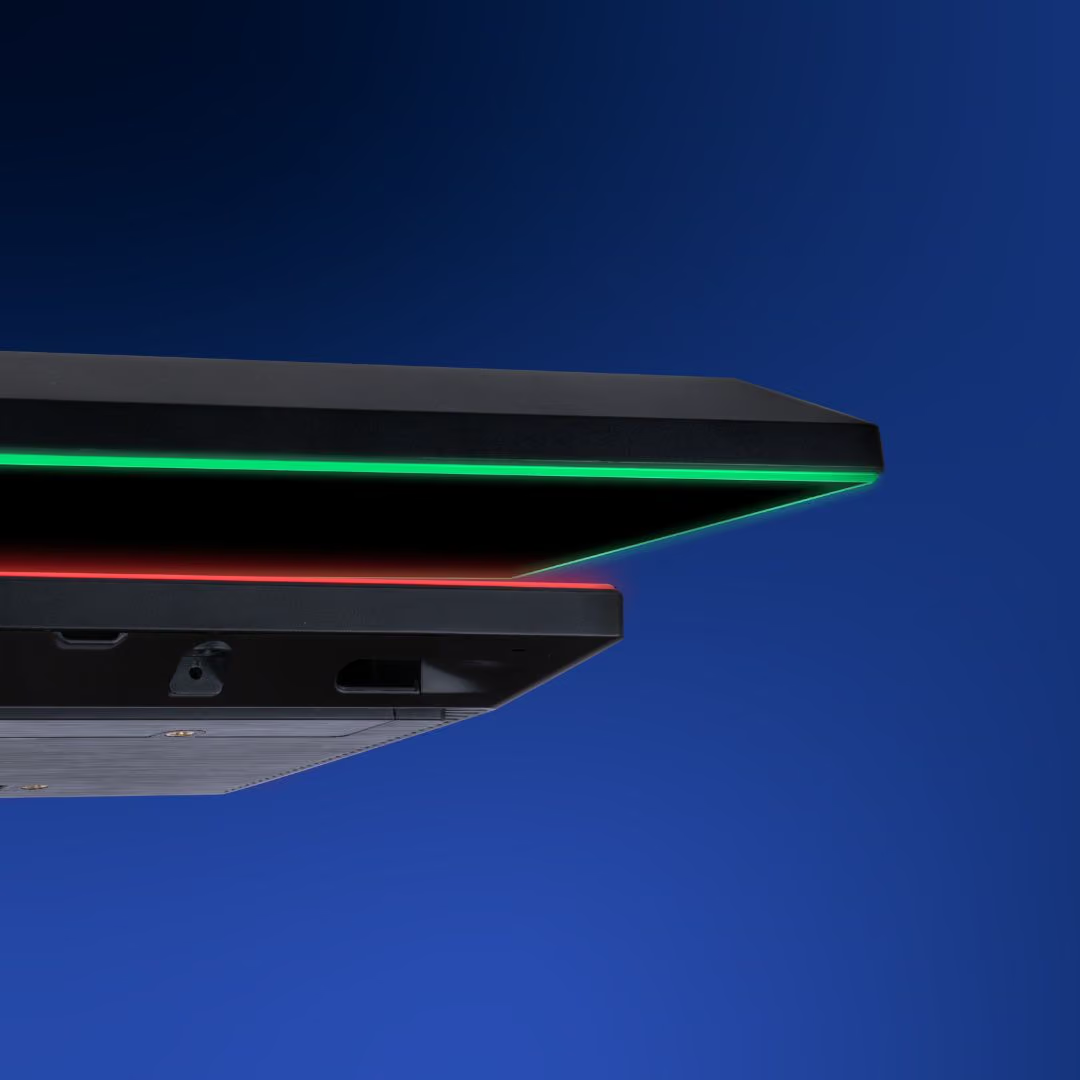
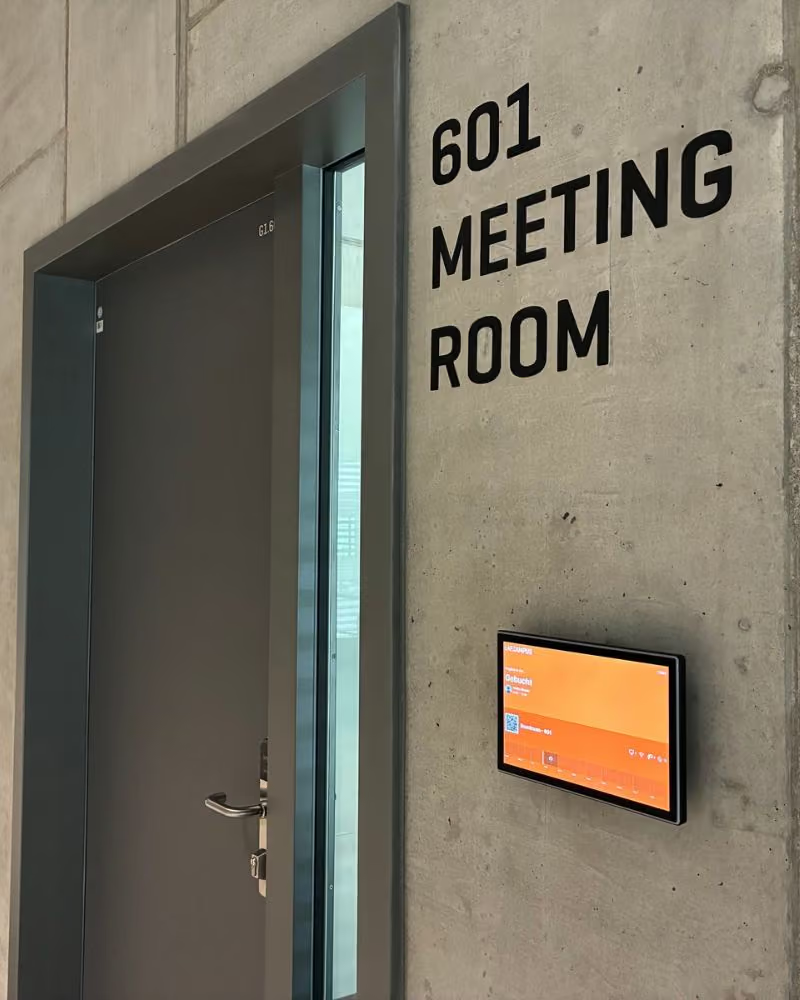
Help colleagues find a room for a planned meeting or an unexpected conversation. A ProDVX display outside the door shows availability from your booking application. Where the software supports it, users can reserve a free slot or confirm their arrival, while a compatible LED bar adds clear visual feedback.

Make shared rooms easier to find and reserve across a college or university. ProDVX room displays give students and staff a clear view of the schedule at the door. Connected booking software handles reservations and usage rules, helping people understand when a room is available for study or collaboration.

Give members a clear view of shared meeting rooms in your hotel or coworking space. A ProDVX display presents availability and booking options from your workspace application. The software manages member permissions and reservation rules, helping different teams use the same facilities without relying on a receptionist for every room enquiry.

Help delegates find the right meeting and understand the schedule outside each conference room. ProDVX displays show event and room information supplied by your booking or signage software. When sessions change, your team can update the connected application, keeping guests informed without replacing printed room signs throughout the venue.
//BENEFITS FOR USERS
See whether a room is available before opening the door or asking someone inside. A ProDVX room display presents the schedule from your booking software where you need it. Depending on the application, you can book a free slot or check in directly, making shared rooms easier to use.
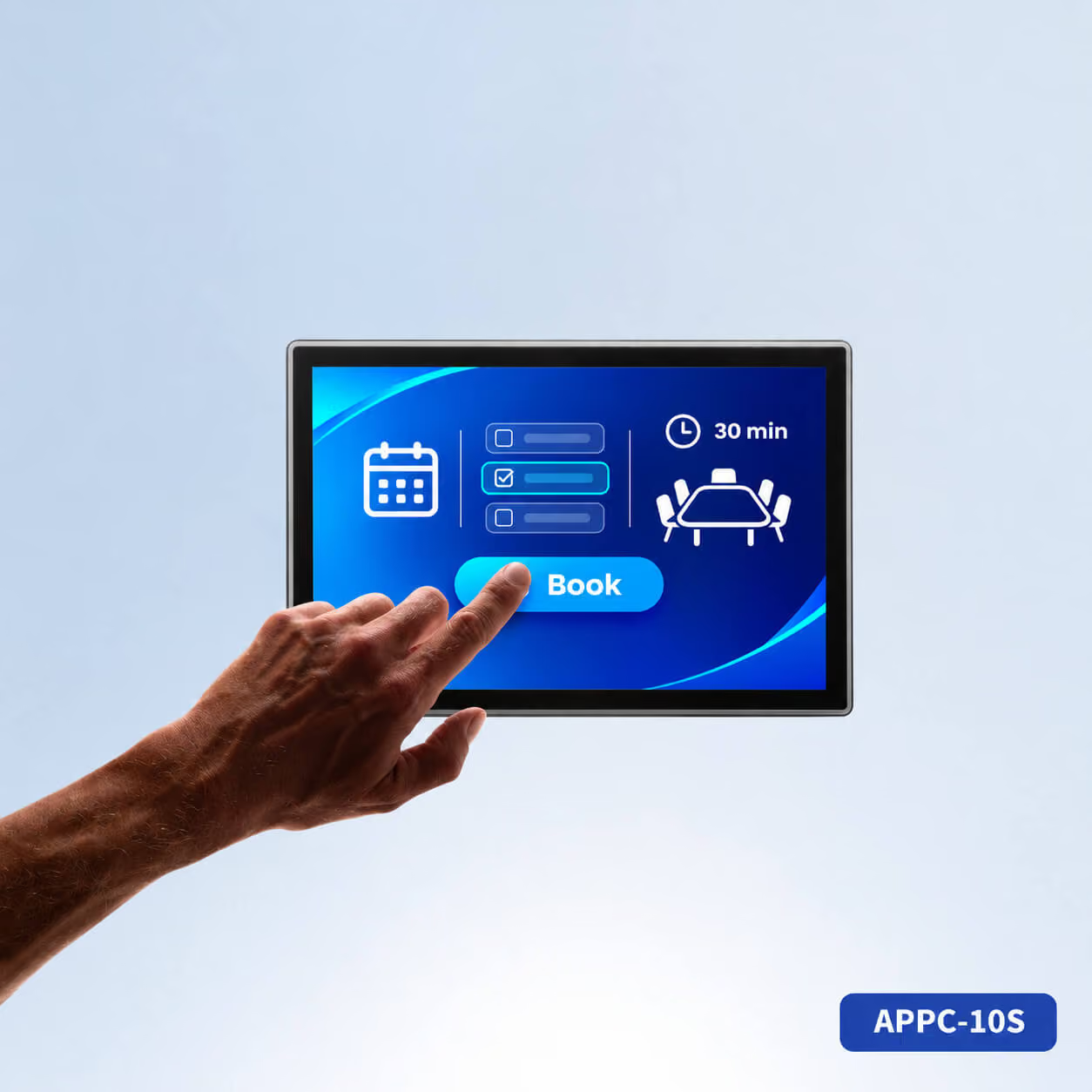
//BENEFITS FOR SYSTEM INTEGRATORS
Choose a panel and mounting option that suit the wall, glass or entrance layout. Power over Ethernet on supported models brings power and data through a single cable. Compatible LED-equipped displays can show application-defined status, while ProMGR helps prepare Android device settings for a consistent rollout across the building.
//BENEFITS FOR SOFTWARE DEVELOPERS
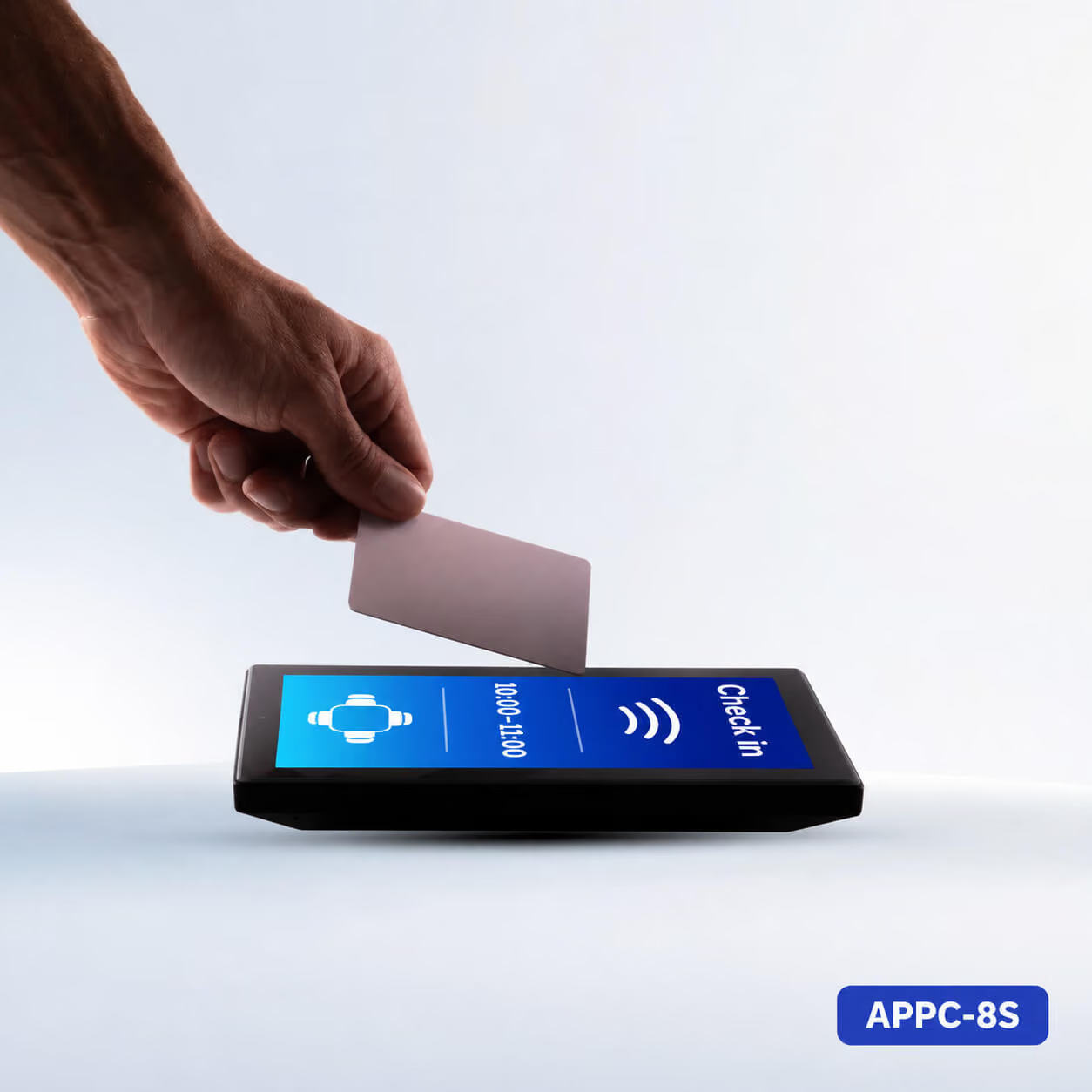
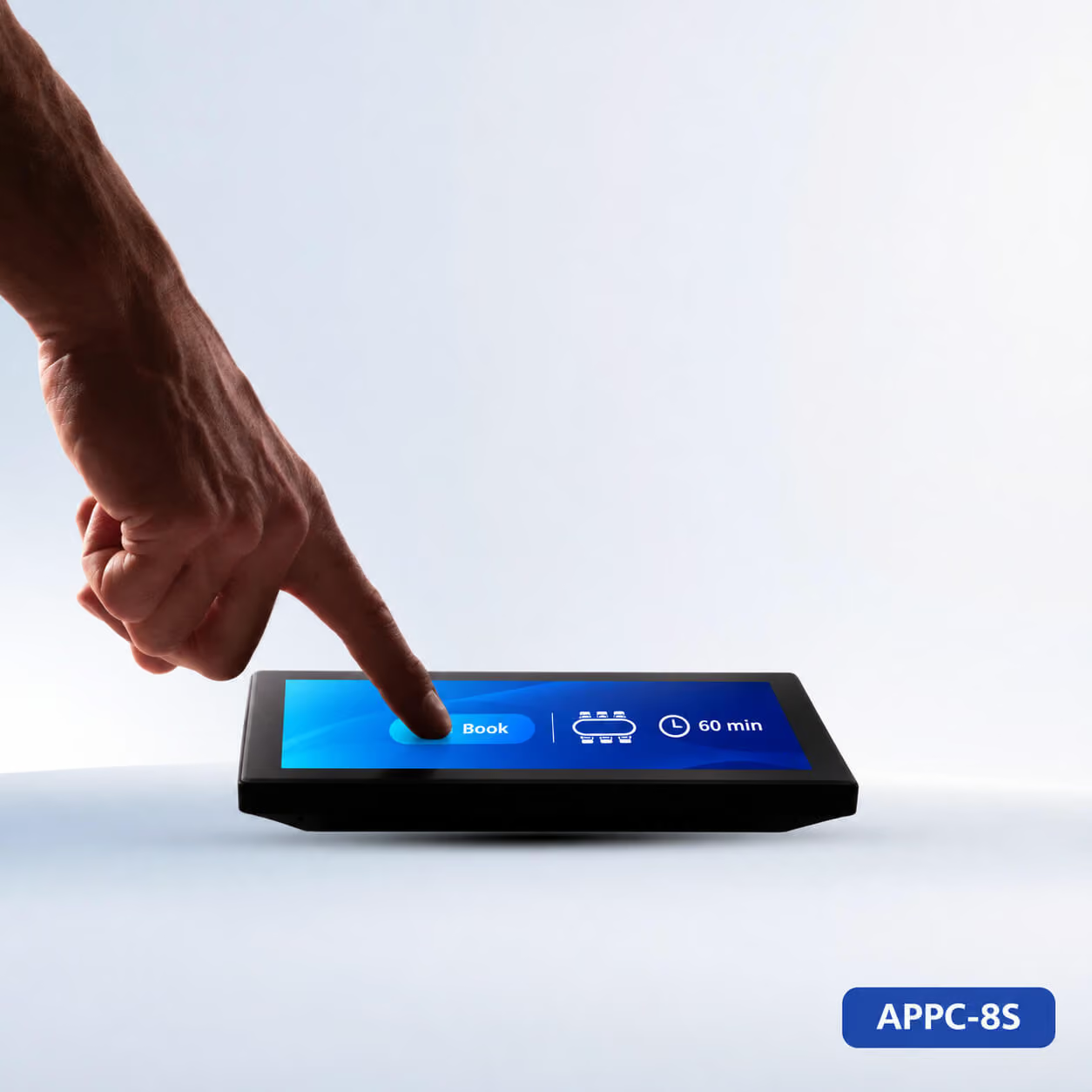
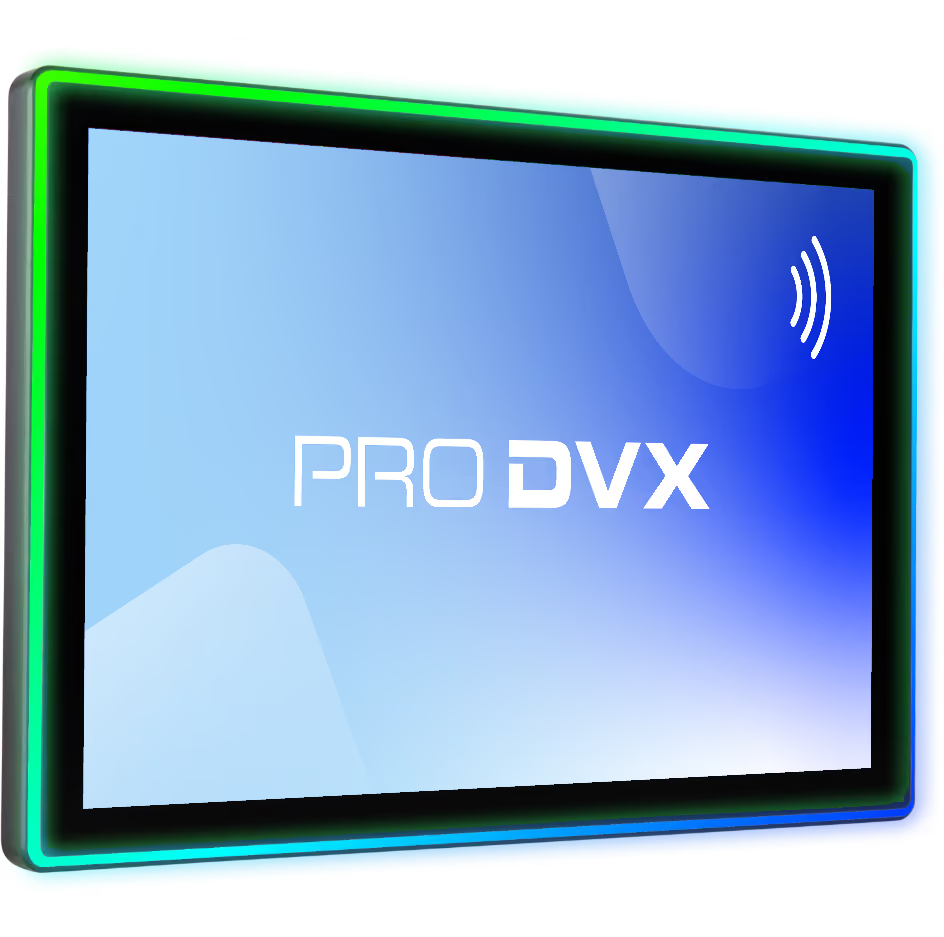
Your application manages reservations, calendar connections and room rules. ProDVX provides the touchscreen interface at the door, with LED and NFC options on selected models. On supported Android devices, the ProDVX API lets you control available device functions, so the panel can reflect the booking status supplied by your software.
// FEATURES

Für einen stabilen 24/7-Betrieb entwickelt.

Zuverlässige Komponenten und Produkte, die auf langfristige Verfügbarkeit ausgelegt sind.

Je nach Gerät stehen Android, Windows oder ChromeOS, verschiedene Größen und passende Anschlussmöglichkeiten zur Verfügung.

Persönliche Beratung, Unterstützung und eigene Produktentwicklung.

Als Unternehmen mit Sitz in den Niederlanden sind wir ein verlässlicher europäischer Partner mit eigener Produktentwicklung und gut erreichbarem technischem Support.

Unsere umfassenden Maßnahmen für Geräte, die dauerhaft im Einsatz sind. ProSURANCE ist ein standardmäßiges Hardware-Absicherungspaket mit zuverlässigem Produktdesign für den 24/7-Betrieb, umfangreichen Tests, drei Jahren Standardgarantie, gut erreichbarem technischem Support und weiteren Leistungen.

ProSECURE umfasst die Maßnahmen von ProDVX für umfassende Gerätesicherheit. Dazu gehören verlängerte Android-Sicherheitsupdates und Support, kontinuierliche Überwachung, Netzwerkzugangskontrolle (NAC), sichere Patches und Firmware-Updates sowie die Kontrolle über Sicherheitsrichtlinien auf Geräteebene.


//Recommended hardware
Panel PC
Panel PC
Panel PC
Panel PC


For us, it provides peace of mind: spaces are clearly organized




// FAQ
about ProDVX Room Booking touch- and display solutions
We take device security seriously. With ProSECURE, we support the security of our Android devices through measures such as extended Android security updates and support for 802.1X network authentication. This helps you maintain a more secure device environment throughout its supported lifecycle.
Yes. With ProMGR, our device management platform, you can manage supported ProDVX Android devices remotely. This makes it easier to maintain and manage devices across multiple locations, without having to visit each one.
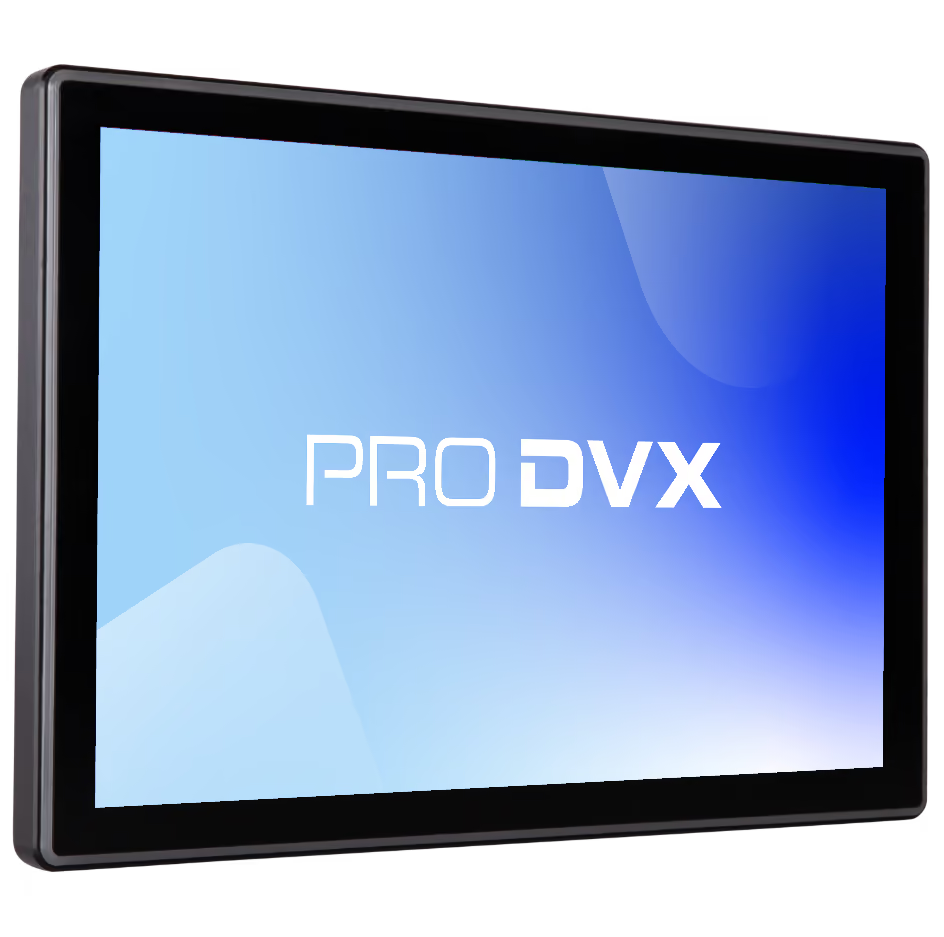
Consumer tablets are generally designed for personal use. ProDVX Panel PCs are built for professional environments where devices need to operate reliably, 24/7. With features such as Power over Ethernet (PoE), flexible mounting options, high brightness levels and professional connectivity, they're designed for permanent installations.
Yes. ProMGR helps you manage supported Android devices from a central platform, whether they're installed in one building or spread across multiple locations. This saves time and makes managing larger deployments easier.
Our hardware is available with Android, Windows, ChromeOS and Linux, depending on the device. This gives you the flexibility to choose an operating system that fits your application and existing IT environment. Please see each product's individual page to find out with which operating system it comes.
Power over Ethernet allows you to power your device and connect it to your network using a single Ethernet cable. On supported ProDVX devices, this reduces cabling and makes installation easier.


Our team can help you select the right ProDVX hardware for your project.