Vielen Dank! Ihre Nachricht wurde erfolgreich übermittelt.
Hoppla! Beim Absenden des Formulars ist ein Fehler aufgetreten.


Three-year standard warranty
Archive
|

12"
Android 8.1 (optional Linux)
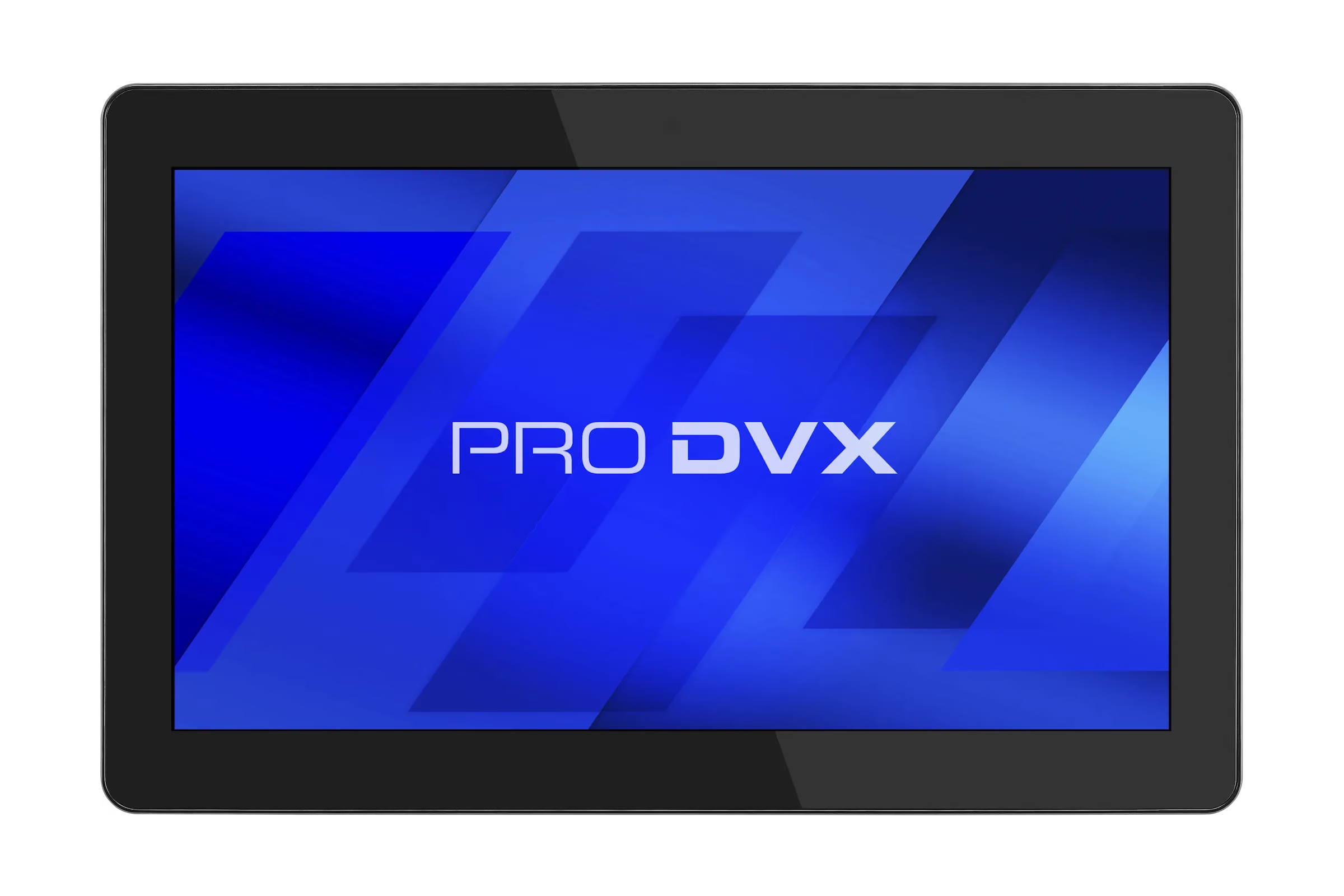
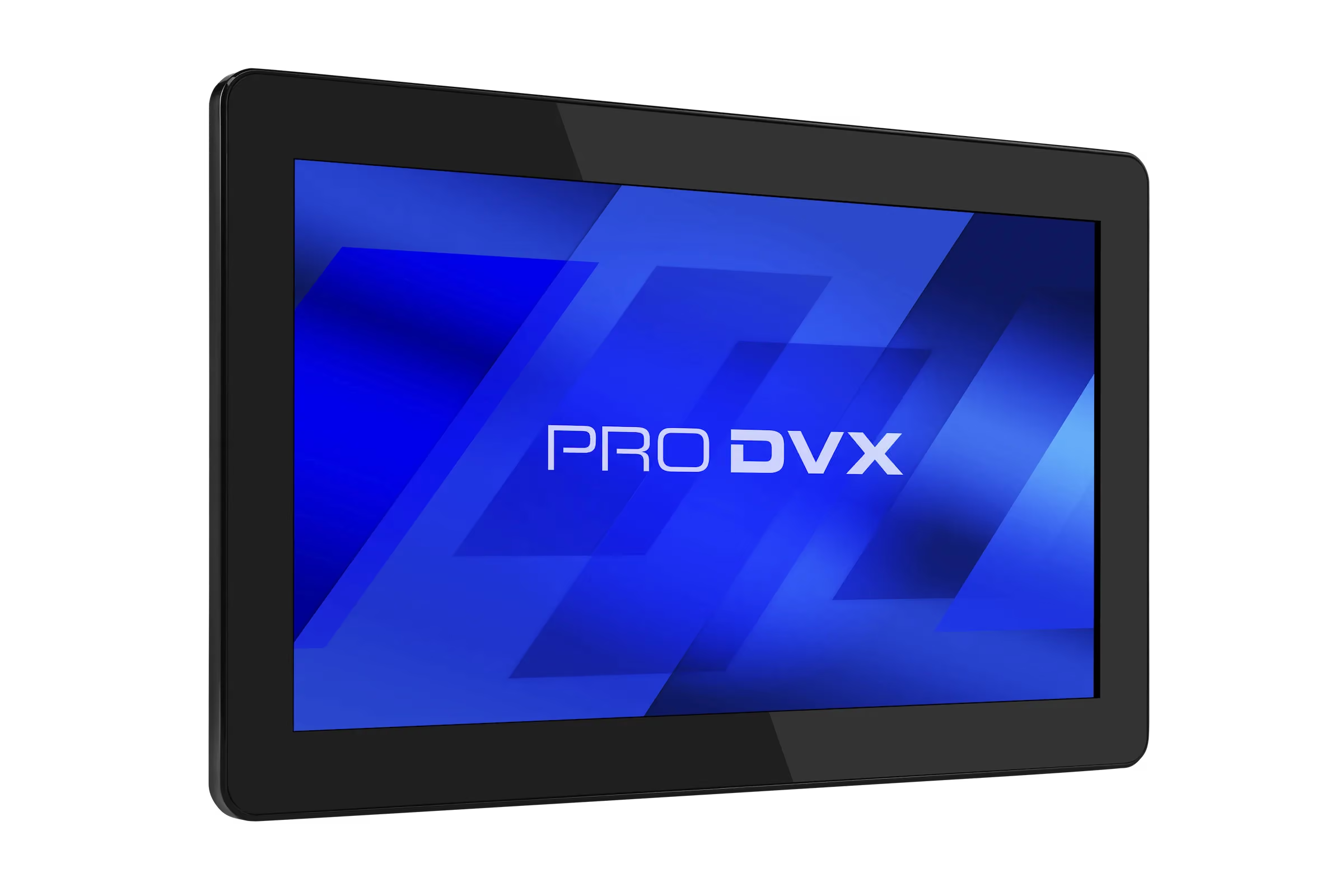
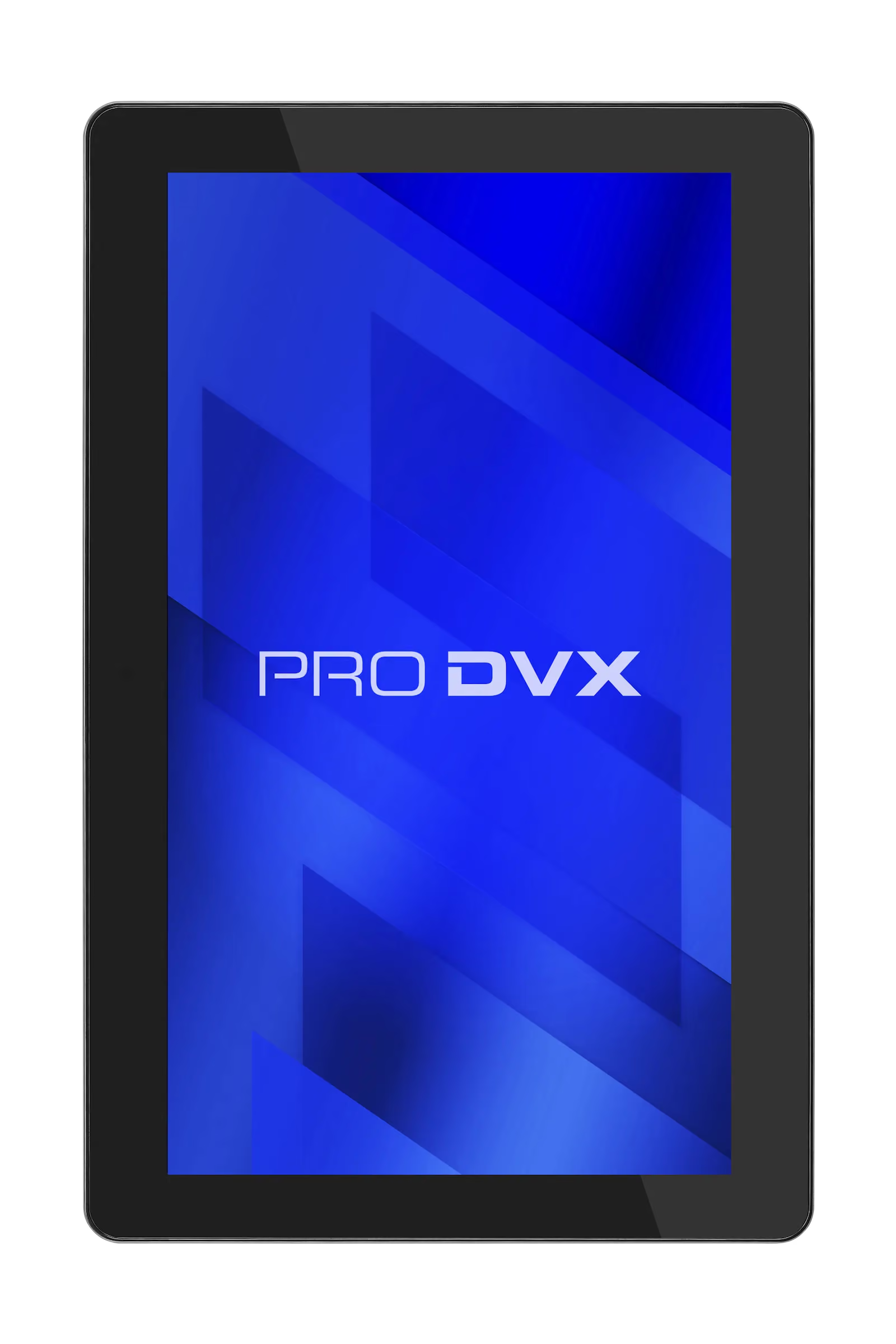
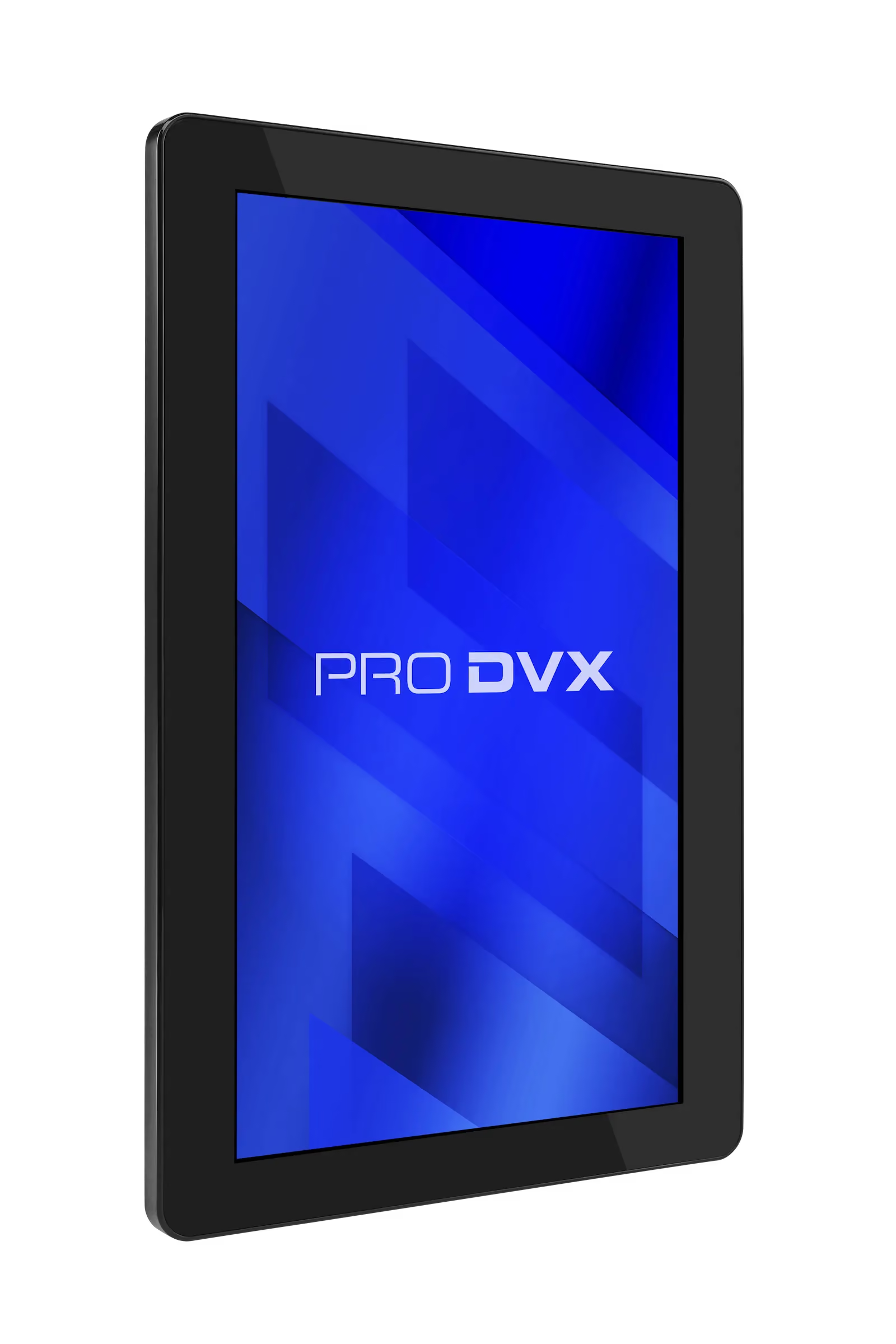


Keep your ProDVX Android devices protected throughout their working life with security measures built for professional deployments.
Device-level control: Apply security policies with ProMGR.
Secure by design: Devices use non-rooted Android and ship with remote debugging over LAN disabled.
Ongoing protection: Benefit from monitored security issues and controlled firmware updates.


Deploy hardware with confidence. ProSURANCE combines dependable design, thorough testing and support for day-to-day operation.
Support when you need it: Get technical assistance backed by a standard three-year warranty.
Built for continuous use: Hardware is designed for 24/7 commercial operation.
Tested for reliability: Devices undergo extensive quality and durability checks.
Easy to Integrate. Easy to Manage.
Get your Android Panel PC ready for its intended use with ProMGR, from initial configuration to deploying your application.
Flexible deployment: Add your apps and content alongside device settings.
Reusable configurations: Save a configuration for use across multiple devices.
Guided setup: Prepare and activate the device with the settings you need.
Manage deployed devices from a distance with ProMGR Remote Service, so routine changes and support require fewer site visits.
Troubleshoot faster: View screenshots and reboot supported devices remotely.
Update remotely: Deploy supported settings, apps and content.
Monitor status: See whether managed devices are online.
Connect your software to ProDVX Android devices with an API designed to simplify integration across your deployment.
Controlled access: Authenticate API requests with tokens.
Familiar methods: Use REST and standard HTTP methods.
One integration: Build for a range of ProDVX Android devices.
Keep your Android Panel PC focused on its intended application with kiosk settings in ProMGR.
Stay in control: Configure which device functions users can access.
Limit distractions: Restrict access to unwanted apps and settings.
Choose your mode: Use browser, single-app or launcher mode.
// SPecificatios
// compare
Loading models in this product category…
// Documentation

88121975.212 Datasheet APPC 12DSKP V2

88121975.212 Drawing APPC 12DSKP
88121975.212 Manual APPC 12DSKP
Find product documentation, troubleshooting guidance and firmware resources through ProDVX support and ProClub.
Egal, ob Sie Raumbuchung, Digital Signage, Zugangskontrolle oder eine vollständig integrierte Arbeitsplatzlösung benötigen – unser Team steht Ihnen zur Seite.