Merci ! Votre demande a bien été reçue.
Oups ! Une erreur est survenue lors de l'envoi du formulaire.

Finding a meeting room or checking in should not interrupt the working day. ProDVX touch- and display solutions give your workplace applications a clear, accessible presence at the door, desk or reception. Help employees and visitors take the next step, with hardware your IT team can manage across locations.
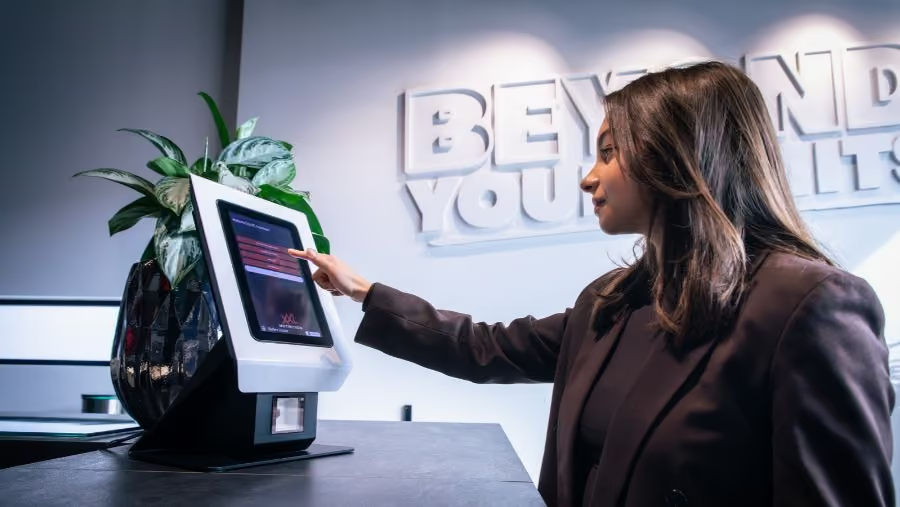



Bring workplace panels into your device security approach. ProSECURE supports ProDVX Android hardware through firmware protection, updates and network authentication, helping your IT team through ProMGR to manage the devices behind everyday office interactions.

Prepare and configure compatible Android panels with ProMGR. Optional Remote Service lets your team deploy updates and troubleshoot devices remotely, making support more practical across meeting rooms, floors and offices.

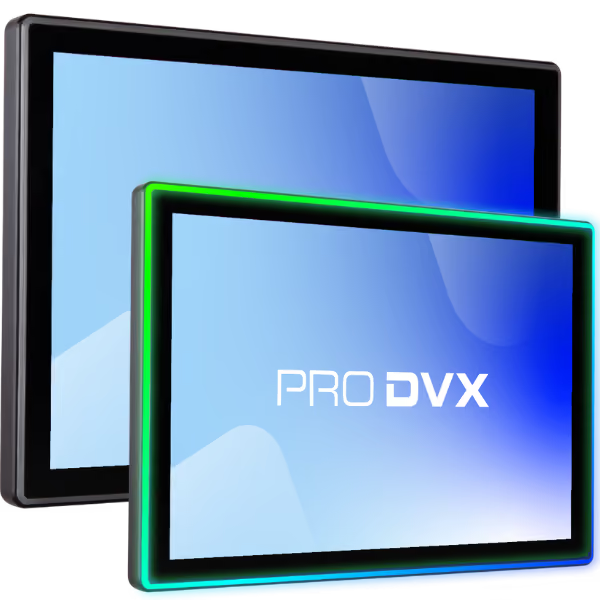
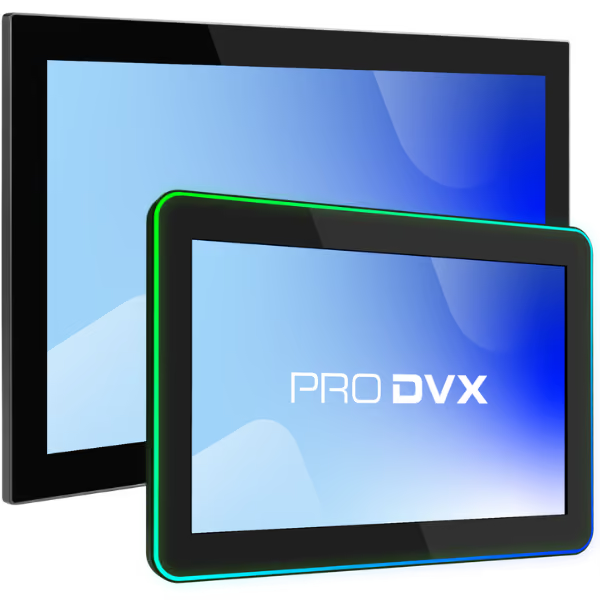
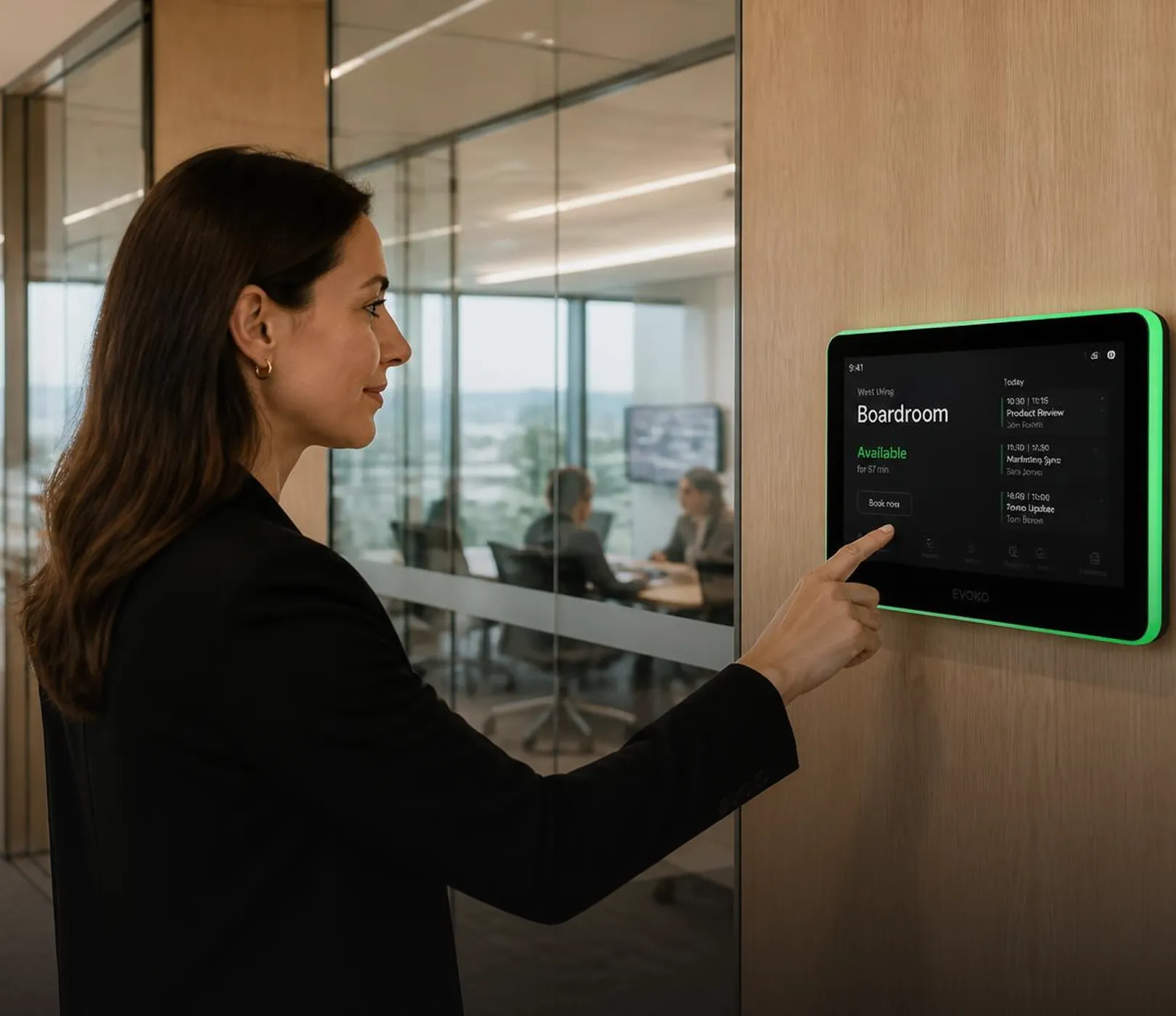
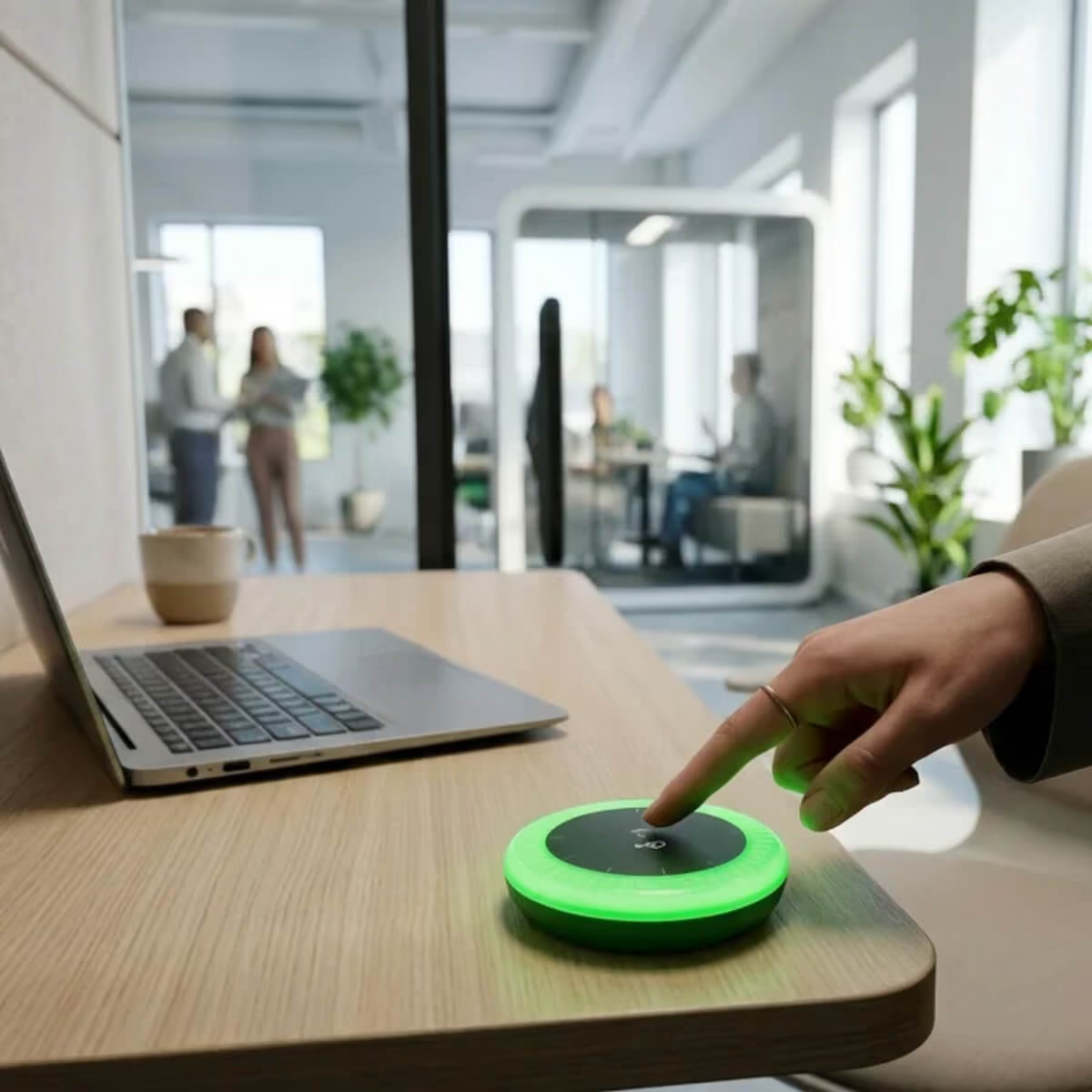
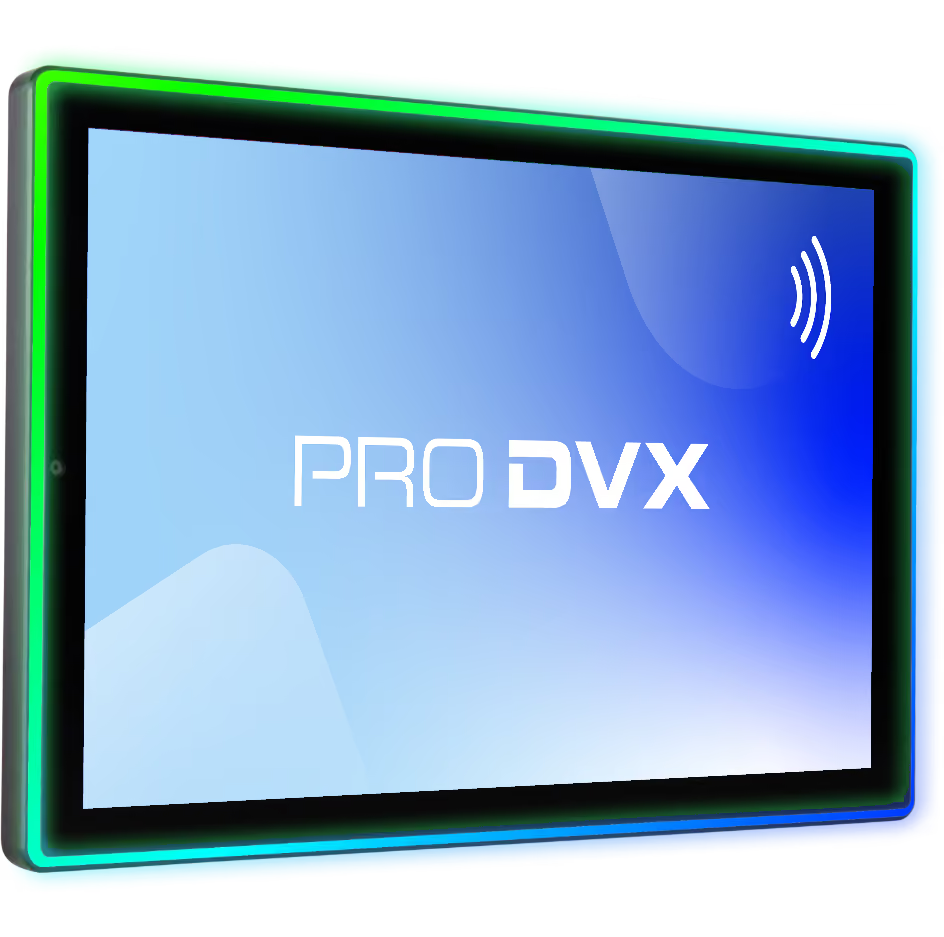
A Surround LED bar on supported models makes room status visible before you reach the screen. Your booking application controls the colours, giving employees a quick indication of which spaces are available.

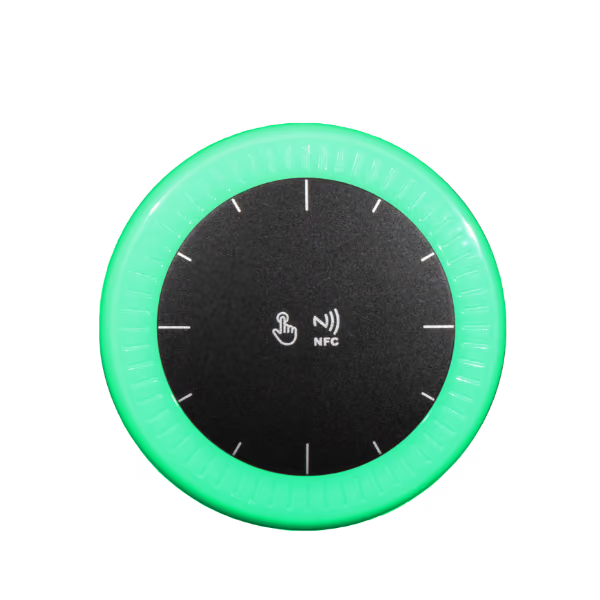
Use built-in or external NFC on compatible devices to let employees present a supported staff pass. Your workplace application can use it to confirm a booking, identify a user or allow an authorised action.
// Corporate solutions overview
Our hardware and partner applications support room booking, check-in and workplace information across your office.
//Room booking
Status lighting shows availability from down the corridor, while PoE+ keeps installation to a single cable.
Room Booking
Make room availability clear before anyone opens the door. Pair ProDVX room displays with compatible booking software to show schedules and support reservations at the room. Employees, students and guests can see what is available, while your chosen application manages bookings and keeps the information connected to your calendars.

Control Panel
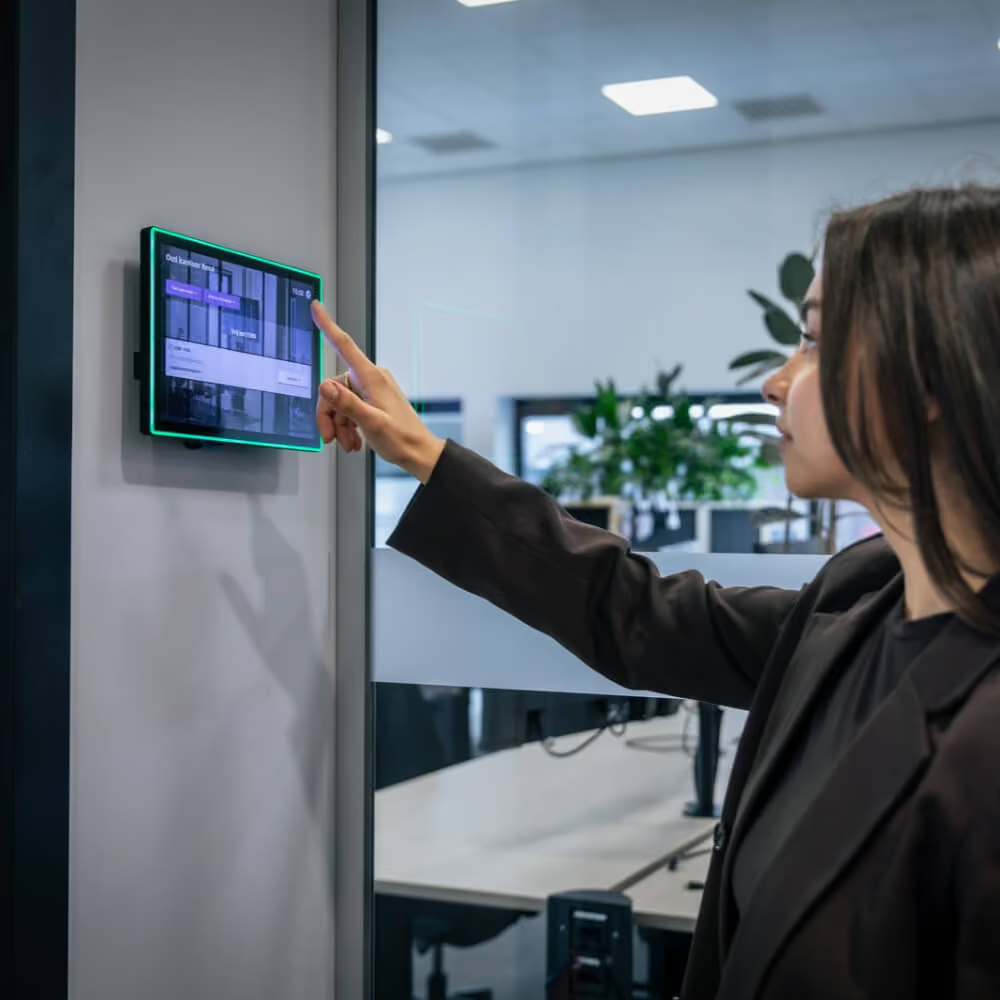
Create a smooth and professional experience with a ProDVX control panel that connects every system in a room, workstation, building or dedicated environment. Through one clear touchpoint, users can adjust AV, lighting, HVAC, blinds and other control systems.

Desk & Resource Booking
Bring desk booking, shared resources, availability status and assistance requests together with reliable ProDVX hardware. From flexible workspaces to busy office environments, our intuitive touch and LED solutions help employees find available spaces, manage shared facilities and request support with ease.

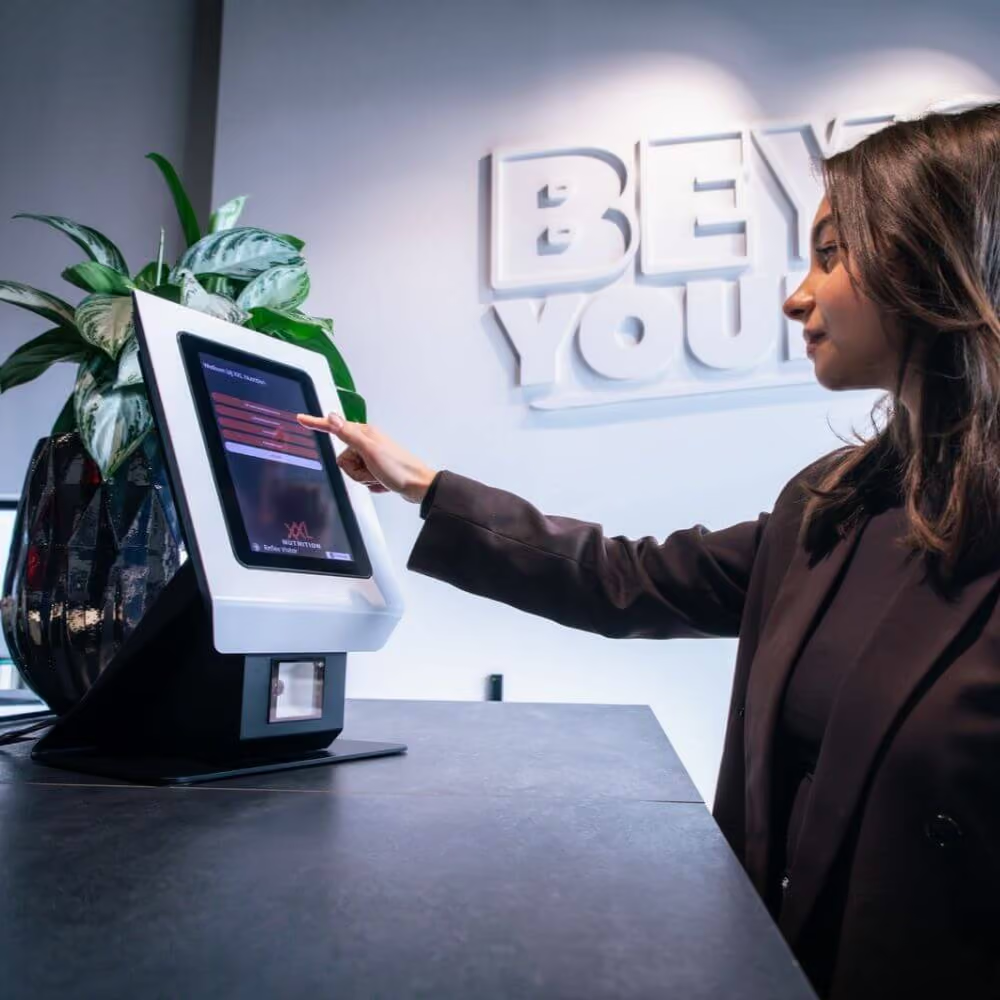
Self Service Kiosk
Beyond a user-friendly interface, a successful self-service kiosk relies on robust hardware, with a Panel PC sitting at its heart.
Digital Signage
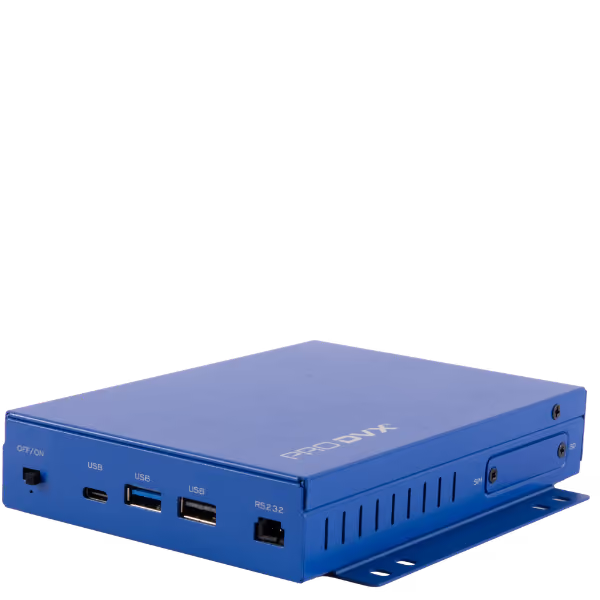
Keep everybody informed with digital signage that fits the setting. ProDVX display solutions and Box PCs provide a reliable hardware foundation for your content management software. From product promotions to workplace updates, bring useful information to the places where people shop, work, meet, learn and spend time.


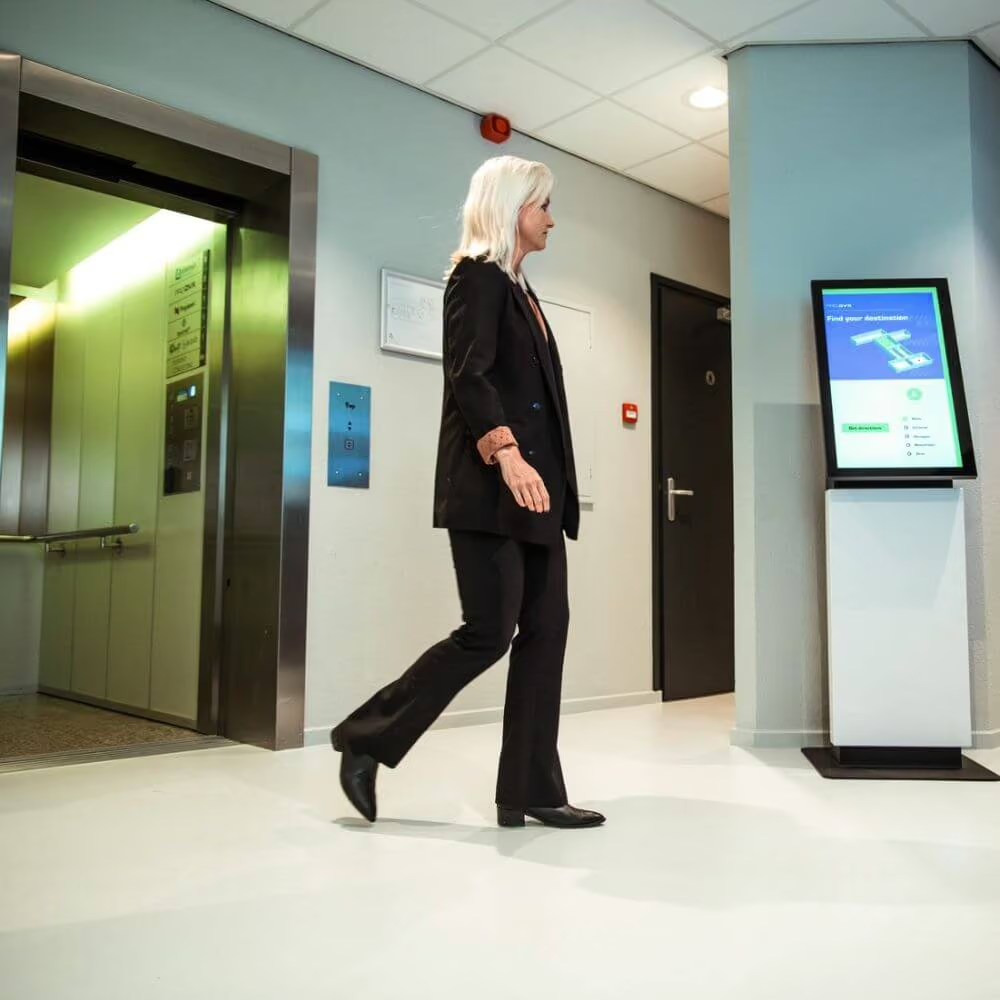
Wayfinding System
Easily navigate any building. Combine ProDVX displays with wayfinding software to help visitors find departments, shops, meeting rooms or campus facilities. Clear maps and searchable directories put directions where people need them, while professional hardware provides a dependable information point throughout your opening hours.
//Product Categories
Find a suitable panel, display and mounting option for every meeting room, desk area and reception point.


//Recommended Products
Panel PC
Panel PC
//Case Studies
See how organisations and ProClub partners use ProDVX hardware to improve shared spaces and workplace experiences.

// FAQ
ProMGR helps your team prepare and configure compatible ProDVX Android devices consistently. With an optional ProMGR Remote Service subscription, you can monitor devices, apply updates and troubleshoot remotely. Your team controls the support process and the timing of changes across the workplace.
ProSECURE supports Android device security through firmware protection, security updates and network access controls on supported hardware. ProMGR adds device configuration and kiosk settings. We can help IT assess the selected model, while your software provider manages application access and any employee or visitor data.
Choose hardware that supports your booking application and its operating system requirements. The application connects to your calendars, manages reservations and controls room status. We can review the device requirements with your provider, including screen size, mounting and optional LED or NFC functions.
Yes. Our ProClub network connects us with software partners for room booking, visitor registration and other workplace applications. Tell us what you want to improve and which systems you already use. We can help you explore suitable partners and the hardware needed for their applications.
As a manufacturer, we can explore OEM and ODM options for projects with specific requirements. Share your preferred design, installation method and connections. Our team will assess standard or custom hardware with you, including development scope, quantities and lead times, so the device fits the wider workplace project.


Tell us what you want to build. Our team will help you select the right hardware and
connect you with relevant solution partners.